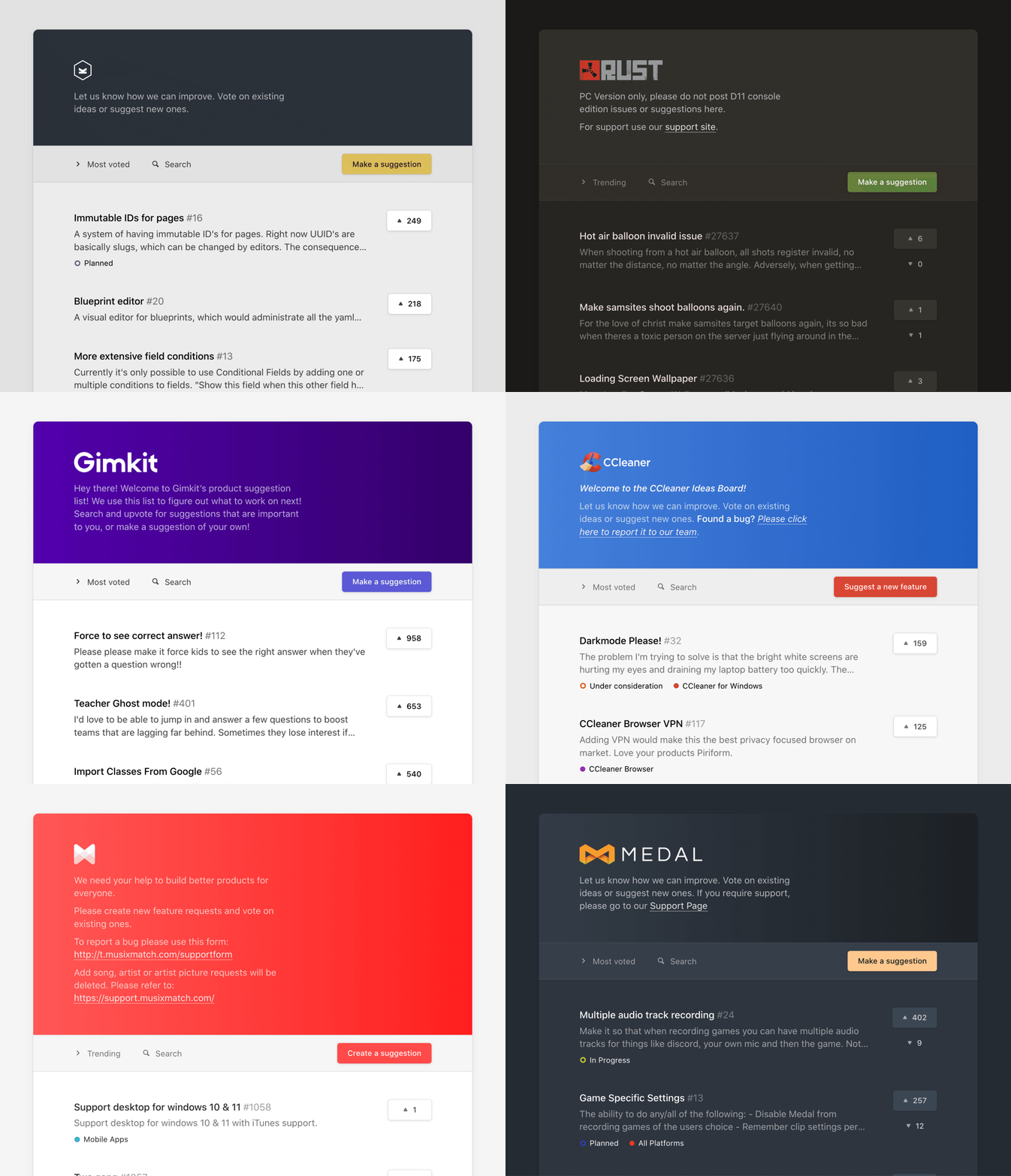
Nolt offers many customizations to ensure that your board fits your own brand and integrates with your tools and your workflows perfectly.
General Settings
Board name
Your board name will be displayed at the top of your board and roadmap. It will also be used to name your page "Board name Feedback".
Note: If you add a header logo, that will replace this title.
Board URL
Here you can choose your Nolt subdomain (subdomain.nolt.io)
Note: If you want to add a custom domain (e.g. feedback.yourdomain.com) then please go here to learn how to set up a custom domain.
Language
Nolt is supported in English, German, French, Spanish, Portuguese (Brazil), Polish, Italian, Russian, Hungarian, Danish, Dutch, Norwegian, Estonian, Turkish, Arabic, Persian, Hebrew, Japanese, Korean, Czec, Ukrainian, and Vietnamese.
Want to add a language? We would love your help. Go to Crowdin project.
Color theme
Choose from one of our pre-made color templates, or add custom colors using hex codes.
Logo and favicon
Add your header logo and favicon. We recommend adding a header logo with a transparent background so that it sits beautifully atop a header gradient.
People and Privacy
Manage team
Send invites and manage roles. Learn more about user roles here.
Keep this board secret
You can make your board private so that only members you invite (via email, SSO, etc.) can view the board.
On public boards, anyone can view the content (suggestions, comments, vote counts, etc.) without logging in or being invited in advance.
Allow anonymous actions
This setting lets you choose whether users can participate (post, comment, vote, etc.) anonymously without signing in.
Preferences
Button text
Customize the text in the "Suggest a feature" button.
For example: if you are requesting ideas for a brainstorming session, you can change the button text to "Suggest an idea".
Description
Customize your board description. You can add instructions, links, or rules here.
Default view
Decide which posts you want users to see first when they open your board: either trending, most voted, or newest.
Show roadmap view
Don't need the roadmap feature? Toggle this off. This will remove the roadmap menu item and disable the roadmap page. However, you can still use statuses to categorize your posts by progress.
Show downvote button
Allow users to downvote posts (not just upvote).