Rated 4.9/5 on Capterra and G2
A changelog that writes itself:
From user requests or GitHub commits
From user requests or GitHub commits
Nolt is where your users submit and track feedback. When you ship, it
automatically turns those exact requests into polished release notes.
Nolt powers product communication for teams around the globe


















Changelog: Close the feedback loop
Nolt connects your feedback board, roadmap, and changelog in one place. Collect requests, prioritize and plan on your roadmap, then announce what shipped — and show users their feedback made a difference.
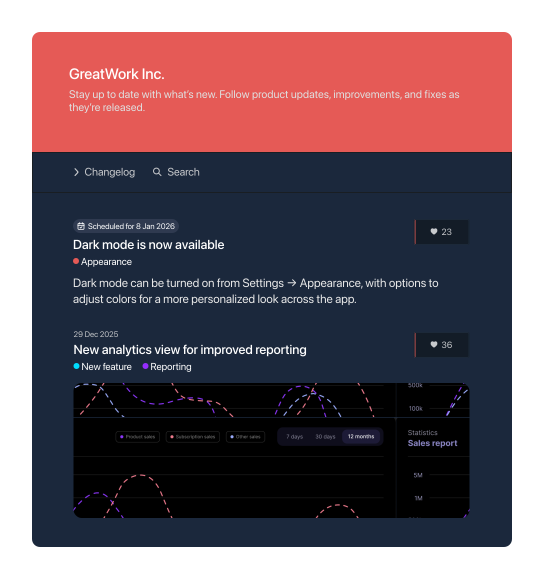
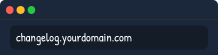
Host on your own domain
Publish your changelog on your own branded domain for a seamless customer experience.

In-app changelog widget
Surface changelog updates directly inside your product without users having to visit a separate page.
Announce by email
Email subscribers when new entries publish so customers see every release without checking the page.

Beautiful design
Match your changelog to your brand with full control over colors, formatting, and privacy settings.
MCP server
Connect Nolt to your AI tools via MCP. Let Claude, Cursor, or any MCP-compatible client query your changelog and feedback board directly.
Multilingual support
Translate changelog entries so every customer reads updates in their own language.
Generate changelogs from feedback posts 💬
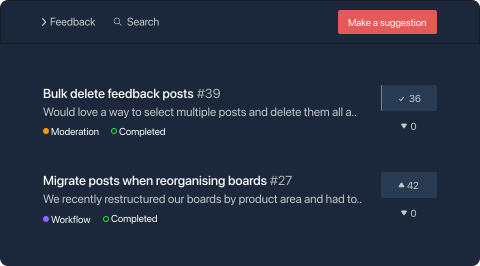
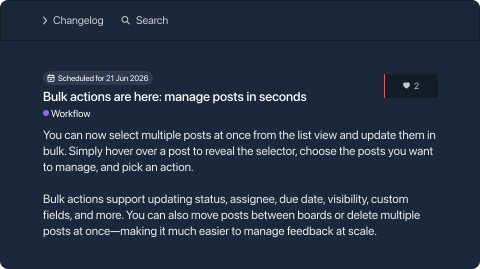
Select completed feedback posts and Nolt's AI drafts a polished changelog entry from the original request. Just review and publish.

Writes in your voice
Feed Nolt a few examples of your existing entries and AI drafts will match your tone instead of sounding like a generic product update.
Select posts, set grouping
Pick one or more completed feedback posts and tell Nolt how many changelog entries to generate. Group related requests into a single entry or keep them separate.
Full control
Nolt's AI handles the first draft. You review, edit, and decide what your users see.
Generate changelogs from GitHub commits ⑂
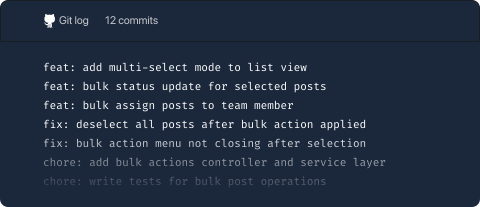
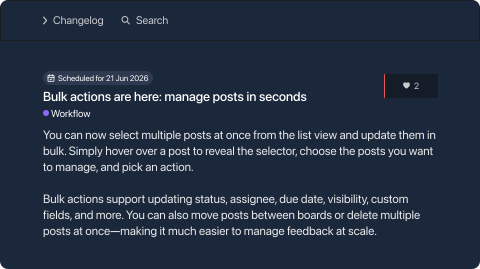
Connect your GitHub repo, pick the commits you want to write about, and Nolt's AI drafts a polished changelog entry.

From dev jargon to plain English
AI rewrites raw commit messages into updates your users actually understand.
Select commits, set grouping
Pick one or more commits and tell Nolt how many changelog entries to generate. Group related changes in a single entry or keep them separate.
Safe by design
Nolt connects with read-only repo access. Your code is never at risk and you can revoke access anytime from your dashboard.
Design changelog updates your way 🎨
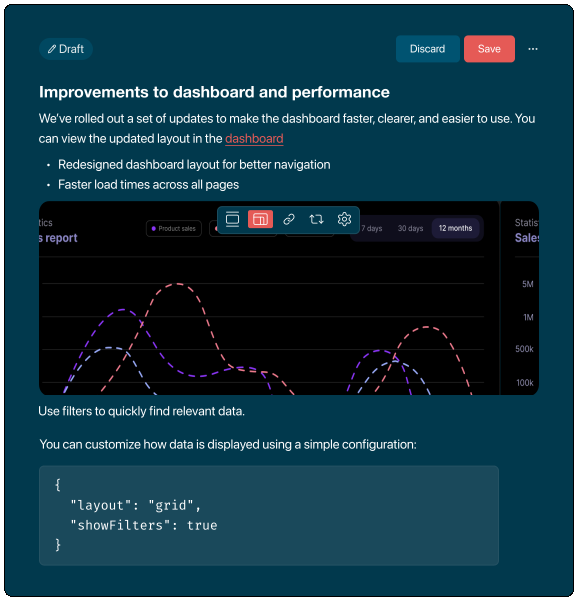
Create clean, structured changelog entries and release notes using Markdown, custom fields, and flexible formatting.
Schedule posts in advance
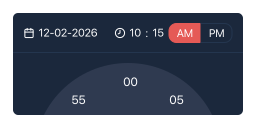
Plan and schedule changelog entries ahead of time so updates go live exactly when you want them to.
Custom fields
Add structured metadata to every changelog entry — like release type, product area, or version number — to keep your updates organized and searchable.

Rich editor with quick formatting
Write polished changelog entries with a full rich text editor, Markdown support, images, and code blocks.
Categories and labels

Tag entries by type — new feature, improvement, bug fix — so users can filter and find the updates that matter to them.
From user feedback to changelog updates
Start by collecting feedback on your Nolt board. As ideas gain traction, prioritize and plan them on your roadmap. When features are ready, publish a changelog entry to keep users informed — and show them their feedback made a difference.

Collect feedback
Capture feature requests and ideas from your users directly on your Nolt feedback board.

Prioritize what matters
Use votes, discussions, and user segments to identify the ideas worth building.

Keep users in the loop
Share progress updates so users know their feedback is being acted on.

Close the loop
When a feature ships, publish a changelog entry linked to the original feedback post.
Need help? Start here →
The changelog software teams trust
We are big fans of Nolt. The amount of feedback, feature requests and discussions has increased significantly. With the voting system, it never feels overwhelming. We are so much more in control of our roadmap and closer to the community with our releases.

Nolt made it easy to publish our product roadmap for users and collect feedback directly from our customers. Nolt is by far the easiest tool on the market for accomplishing a public roadmap and collecting customer feedback.

Nolt is great for collecting feedback and feature requests from our community of creators. It's given us clarity on what to build next for our users and has helped us improve our product decisions.
