
You shipped the feature. Now the people who asked for it need to know it exists, and so does everyone evaluating your product. A changelog is how you do that: a running, public record of what you've shipped, written for users rather than buried in commit messages.
The problem is that most teams treat release communication as leftover work. The feature goes out, and three days later someone pastes a vague note into a blog feed nobody reads. A dedicated changelog tool fixes the operational half of this: it gives your updates a home, a delivery channel, and, in the best cases, a link back to the feedback that drove the work.
We went through the main options, so you don't have to. Below are nine changelog tools worth considering in 2026, what each is good at, and where it falls short. We've included Nolt (that's us), and we'll be upfront about that, but we've described every tool fairly, because a list that just says "everyone else is bad" helps no one.
One note before we start: pricing and features change often, so everything below reflects each vendor's own pricing and product pages as of September 2026. Always check the source before you decide, because these numbers move.
What makes a good changelog tool
The best changelog tools do more than publish a list. They connect three things: collecting what users ask for, showing what you're planning, and announcing what you've shipped, so a request can travel all the way to a "we built this" notification. Not every tool covers all three, and that's fine if you only need one part. Beyond features, the thing that bites teams after they buy is the pricing model, not the sticker price: flat pricing stays predictable, while per-seat, per-MAU, and per-tracked-user models all rise as your team or audience grows. We've flagged the model for every tool below so you can see how each one scales with you.
Quick comparison
In short: the best changelog tool depends on the job you’re hiring it for. If you want feedback, roadmap, and changelog in one connected loop, Nolt, Canny, and Featurebase lead, with Nolt offering one of the lowest entry points at $29/month flat with unlimited users, plus native AI drafting from both GitHub commits and feedback posts. If your priority is pushing updates inside your product, Beamer, AnnounceKit, and LaunchNotes are announcement-first, while AnnounceKit and LaunchNotes can draft entries from your dev tools through MCP. If you just need a standalone changelog, Headway is simple and affordable, ReleaseNotes.io uses AI to draft release notes from commits, and GitHub Releases is free for developer audiences.
| Tool | Best for | What it is | AI / MCP drafting | Entry price (as of Sep 2026) |
|---|---|---|---|---|
| Nolt | A feedback-connected changelog at a flat price | Feedback + roadmap + changelog suite | Native AI (commits + feedback posts); MCP server | $29/month flat, unlimited users |
| Beamer | In-app announcement delivery | Announcement-first suite (feedback is an add-on) | None | $49/month, priced by monthly active users |
| LaunchNotes | Structured, enterprise announcements | Announcement-first suite (Feedback + Roadmap) | MCP drafts from Jira, Linear, GitHub, ClickUp | $249/month, billed annually |
| AnnounceKit | In-app widgets with unlimited team seats | Announcement-first suite (Feedback + Roadmap) | MCP drafts from Linear, Jira, GitHub | $79/month, no per-seat fees |
| Headway | The simplest possible public changelog | Dedicated changelog | None | Free, or $29/month Pro |
| Canny | Feedback-connected changelog with revenue data | Feedback + roadmap + changelog suite | MCP data access; entries written by hand | Free, then $79/month (scales with tracked users) |
| Featurebase | Changelog inside a feedback + support suite | Feedback + support suite | MCP works from Featurebase data, not code | Free, then $29/seat/month |
| ReleaseNotes.io | AI-drafted release notes from your commits | Dedicated release notes | Native AI, from pull requests | Free, then $39/project/month |
| GitHub Releases | Developer-facing, repo-native changelogs | Built into GitHub | Native (auto from PRs); MCP server | Free |
Pricing as of September 2026. Check the source before deciding.
1. Nolt
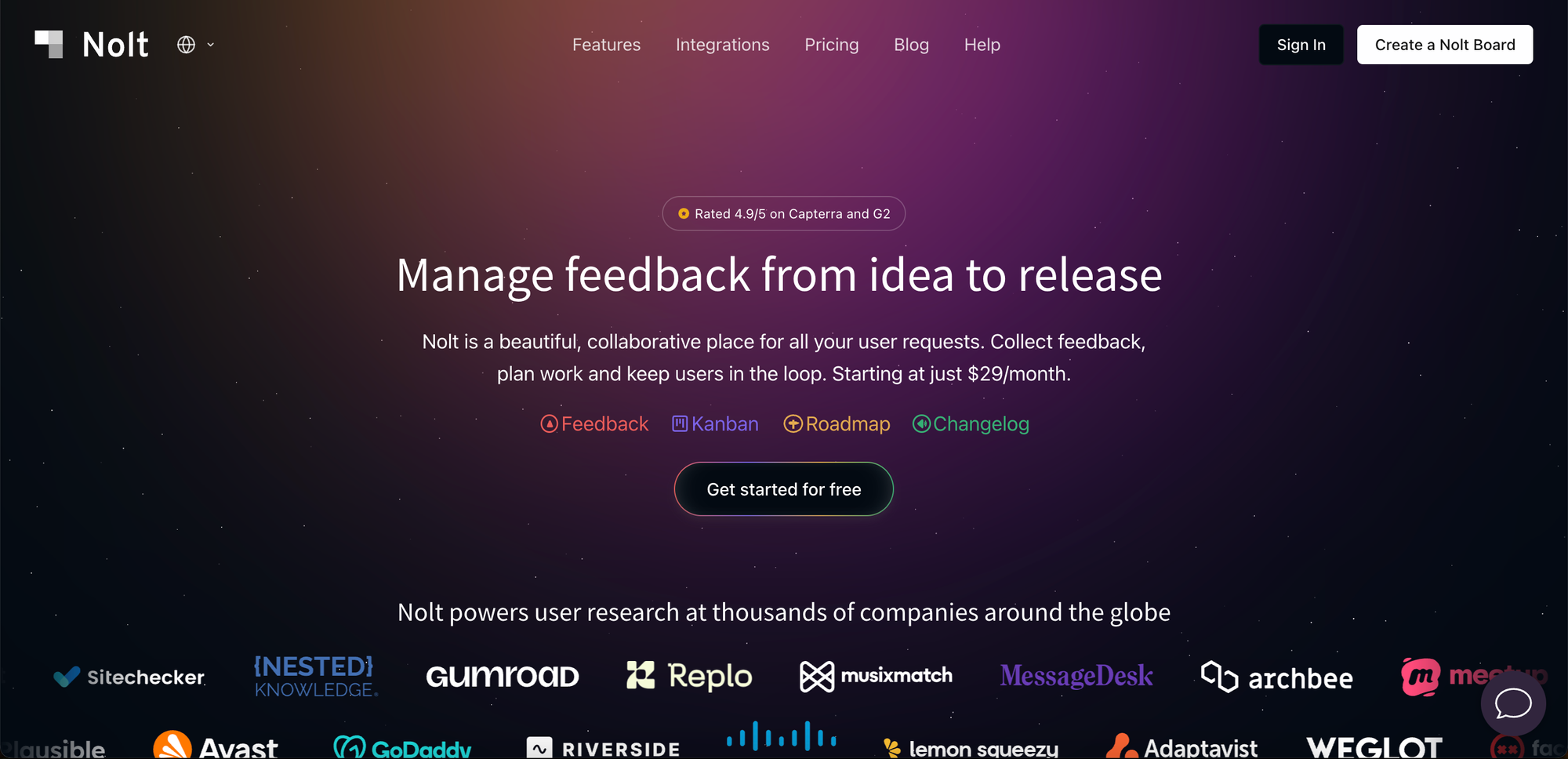
Nolt is a feedback board, roadmap, and changelog in one, and the changelog is designed to close the loop rather than stand alone. When you mark a requested feature as completed, you can notify the people who voted for it and announce it in the changelog so the work traces all the way back to the feedback that prompted it.
What it's good at: The standout is AI drafting and where it pulls from. Nolt does this natively from two sources: your GitHub commits and completed feedback posts. When you mark a request as completed, Nolt notifies everyone involved and drafts the changelog for you. That second source is the real differentiator: the entry is based on the feedback that drove the work, not just the code, so it reads more naturally and speaks to users. Once published, you can announce the update by email to relevant users, show it in an in-app widget as a popup, modal, or sidebar, or run it as a boosted announcement banner. You can also host the changelog on your own domain and schedule entries. At $29/month with flat, unlimited users on every plan, Nolt is also one of the lowest entry points for a full feedback-and-changelog suite.
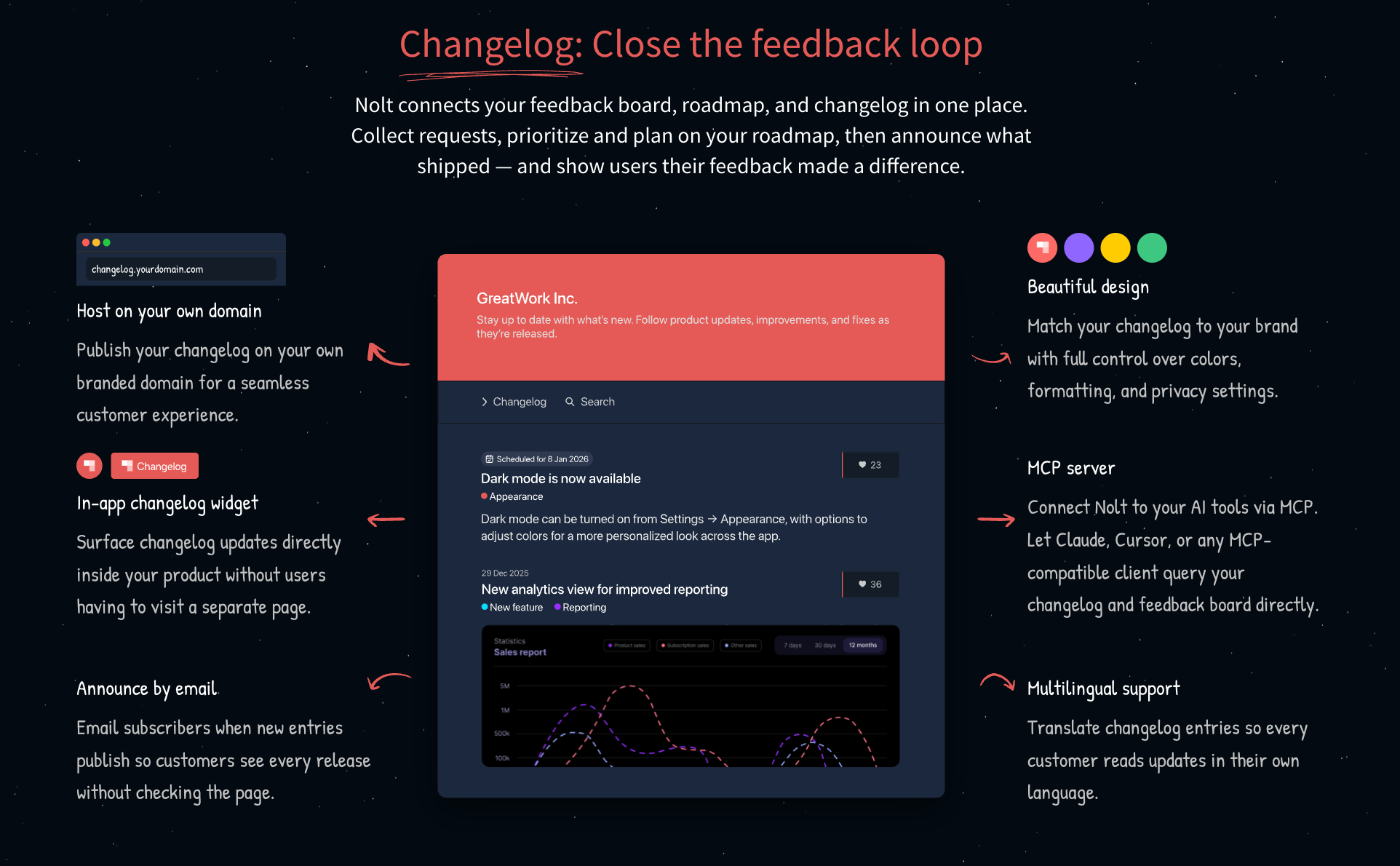
Where it falls short: Nolt is a three-in-one feedback platform, not a standalone changelog built purely for broadcasting. Its changelog reporting is lighter than dedicated announcement tools: if deep per-post engagement analytics are central to how you measure updates, tools like Beamer or LaunchNotes go further there. And if all you want is a lightweight "what's new" widget with no board or roadmap attached, Nolt is more than you need.
Pricing: Flat rate: $29/month (Essential, 1 board) and $69/month (Pro, 5 boards), both billed annually, plus a custom Enterprise tier with unlimited boards. Every plan includes unlimited users, admins, and content. New accounts get a 10-day Pro trial with no card required.
Choose Nolt if: you want feedback, roadmap, and changelog in one loop at a flat price that doesn't grow with your audience or team.
2. Beamer

Beamer is one of the best-known tools for getting updates in front of users inside your product. Its focus is the in-app notification feed: a "what's new" widget that surfaces announcements where people already are. It has since added a roadmap and user feedback, though feedback is sold as a paid add-on rather than included in the base plans.
What it's good at: In-app announcement delivery, with a notification badge, segmentation, and engagement analytics. It's a strong fit when your priority is making sure users actually see updates, rather than maintaining a browsable public log.
Where it falls short: Beamer prices by the number of monthly active users your widget reaches, so costs climb as your audience grows. Feedback and NPS are add-ons layered on top of the base plan, and segmentation only starts on the Pro tier, so the entry plan is announcement-led.
Pricing: Priced by monthly active users. A free plan covers under 1,000 MAUs; paid plans are Starter $49/month (5,000 MAUs), Pro $99/month (10,000 MAUs), and Scale $249/month (50,000 MAUs), with Feedback and NPS as paid add-ons on every tier.
Choose Beamer if: your priority is pushing updates to users inside your product and you're comfortable with pricing that scales with your active-user count.
3. LaunchNotes
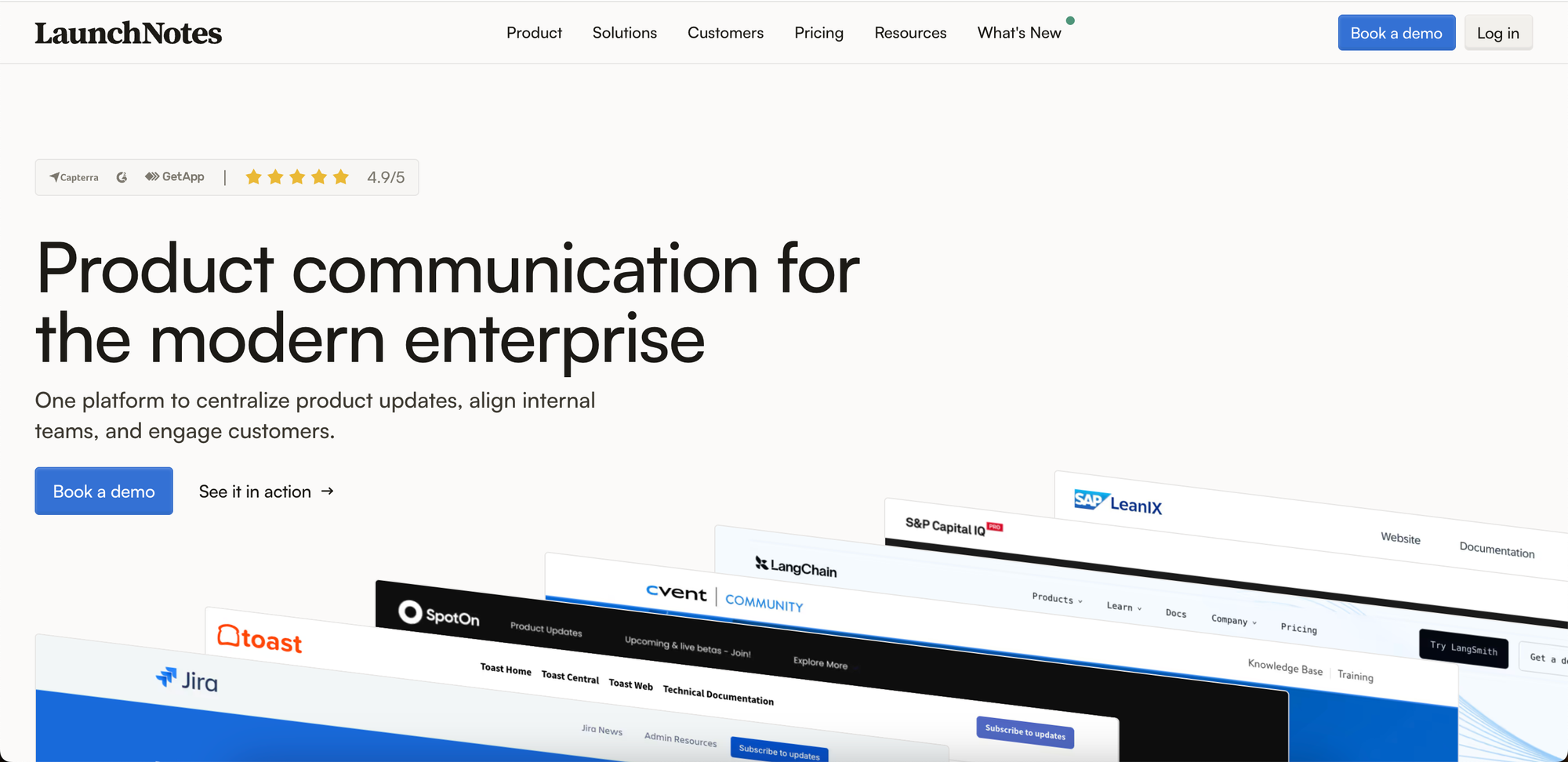
LaunchNotes is built for teams that treat product announcements as a communication discipline: structured, targeted, and often stakeholder-facing as much as customer-facing. It includes announcements, a changelog, a customer-facing roadmap, and feedback management, aimed squarely at the enterprise end of the market.
What it's good at: Marketing-grade announcements with audience segmentation, granular control over what different groups see, and a polished public page. It also has an MCP server whose draft-from-work skill turns Jira, Linear, GitHub, or ClickUp activity into a publish-ready draft announcement, left for review before anything goes out. A strong fit for larger product and product-marketing teams coordinating launches across multiple stakeholders.
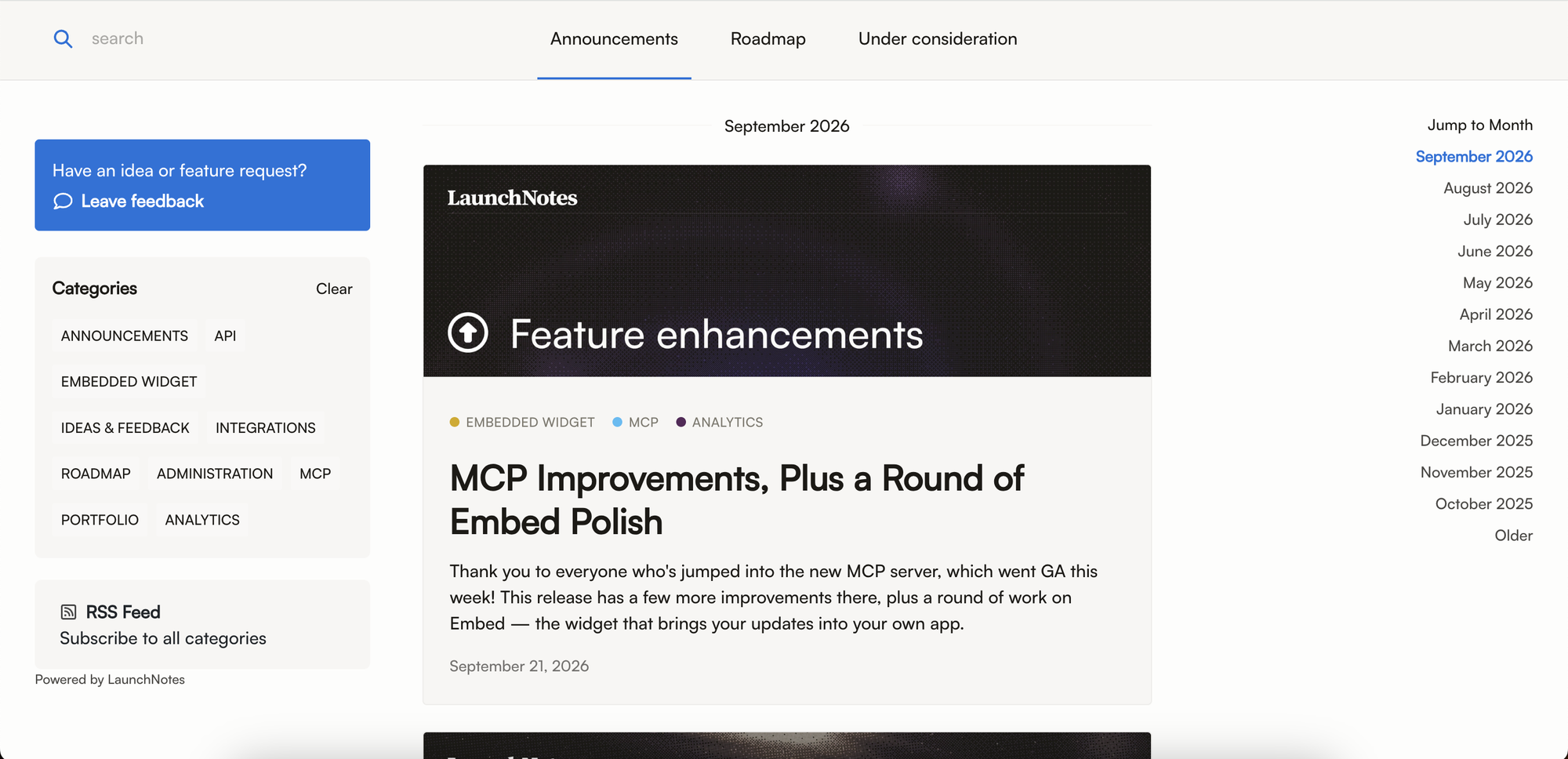
Where it falls short: It's the most expensive entry point here. The base Growth plan starts at $249/month billed annually and covers just one page and two users, and single sign-on (SSO/JWT) is gated on Growth, with SAML reserved for the custom Premium tier. For small teams that just need a changelog, the pricing and plan structure may be more than they need.
Pricing: Growth is $249/month billed annually (1 page, 2 users), and Premium is custom-priced for larger teams with white-labeling, SAML, and a dedicated account manager.
Choose LaunchNotes if: you're an enterprise product-marketing team coordinating stakeholder-facing launches and the budget matches.
4. AnnounceKit
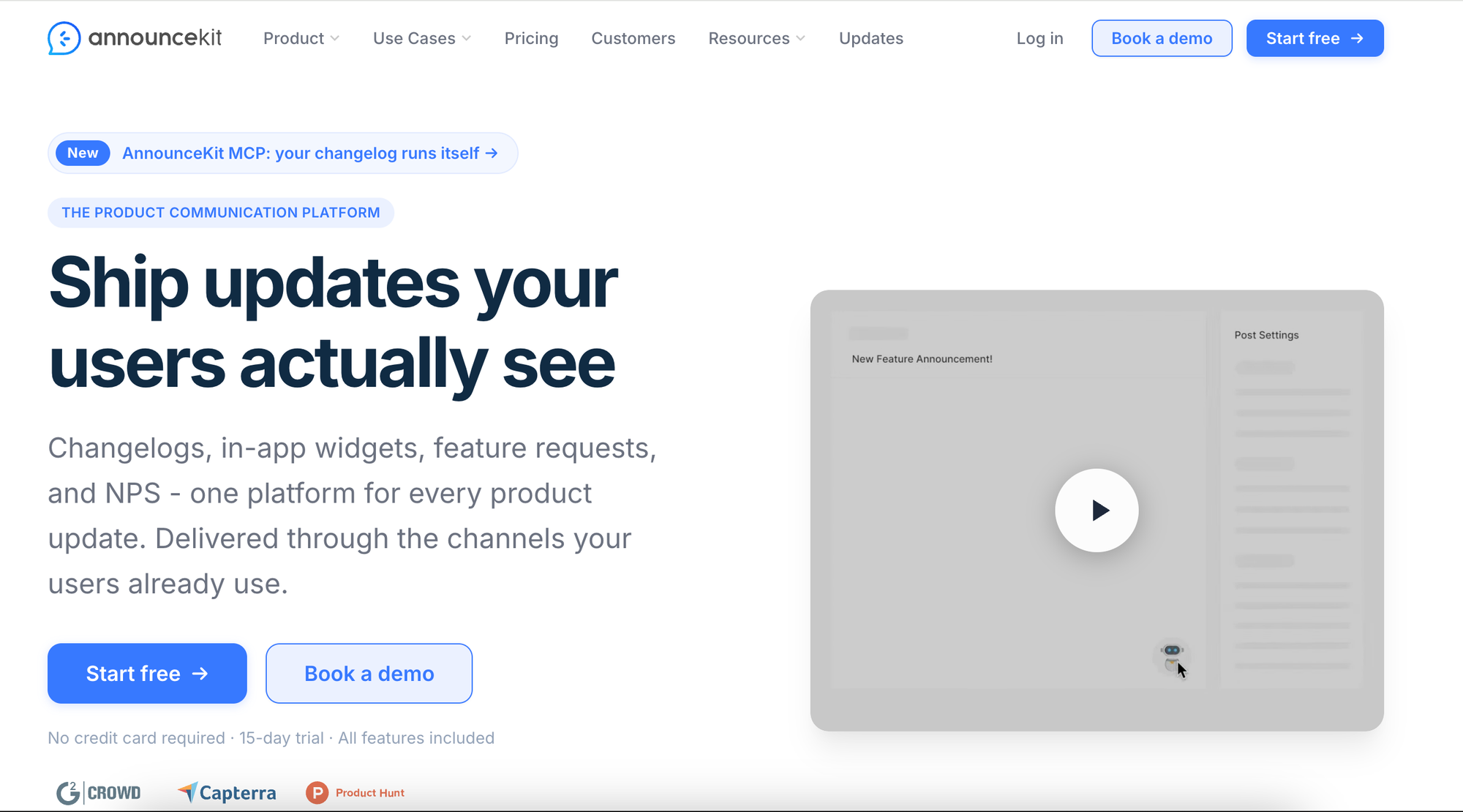
AnnounceKit sits in the announcement category but has broadened out: alongside in-app widgets, notification badges, and a hosted changelog page, it also offers a product roadmap and feature-request voting.
What it's good at: Clean in-app widgets with multiple display modes, multi-language support, and a product roadmap from its entry tier. It also offers an MCP server that lets AI agents draft and publish announcements from your Linear, Jira, or GitHub activity, and there are no per-seat fees, so Growth and above include unlimited team members. A solid choice if you want good-looking widgets and predictable team cost.
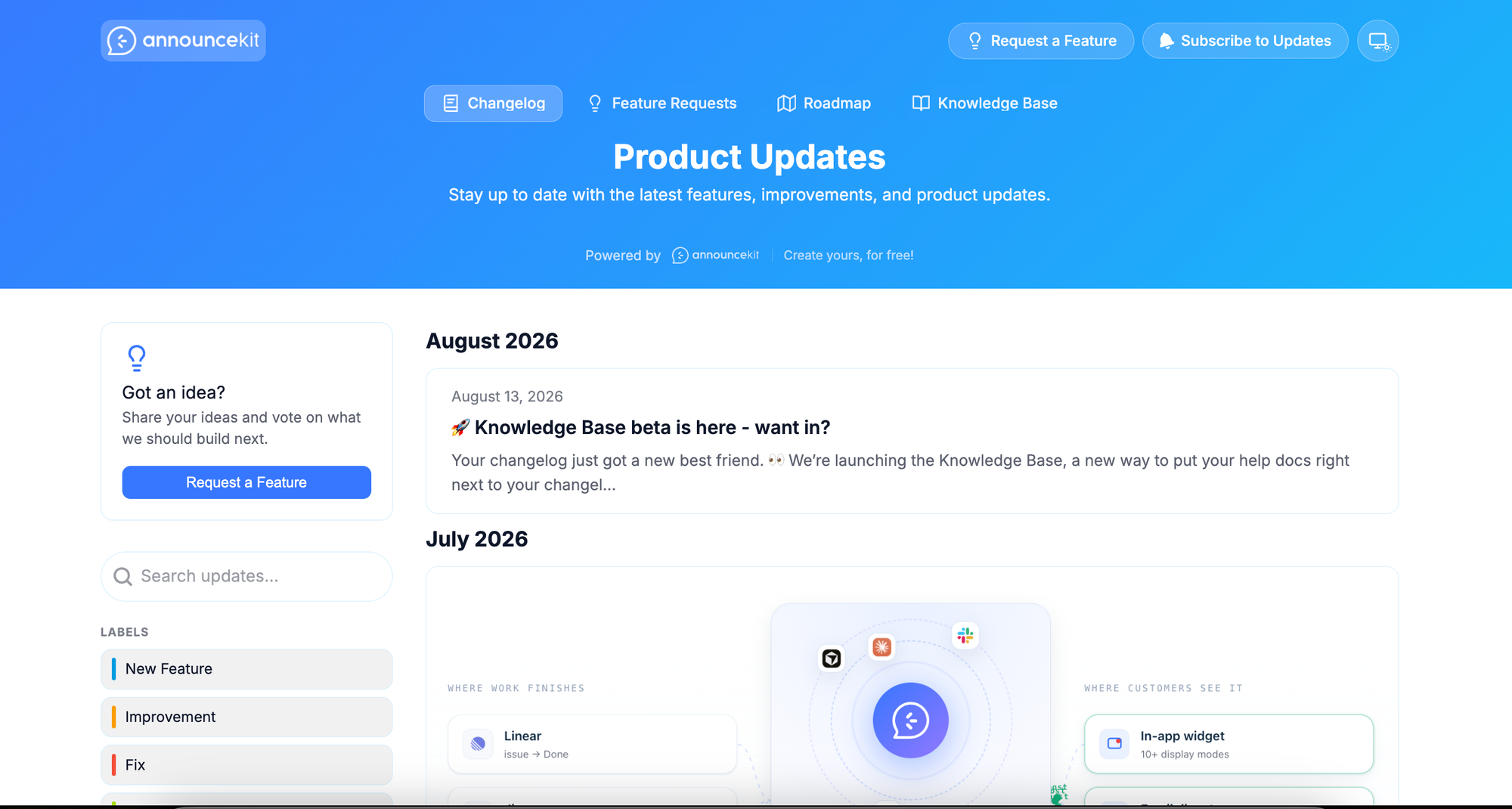
Where it falls short: The announcement and widget layer is still the core, and several things you might expect earlier are gated higher up: feature-request voting and a custom changelog URL both require the Growth tier, and SSO is reserved for Scale. The entry price is also higher than the simplest changelog tools.
Pricing: Essentials $79/month, Growth $129/month, and Scale $339/month (billed annually), plus a custom Enterprise tier. No per-seat fees, with unlimited team members on Growth and above. A 15-day trial is available.
Choose AnnounceKit if: you want polished in-app widgets and a roadmap, with a large team, since seats don't add to the bill.
5. Headway
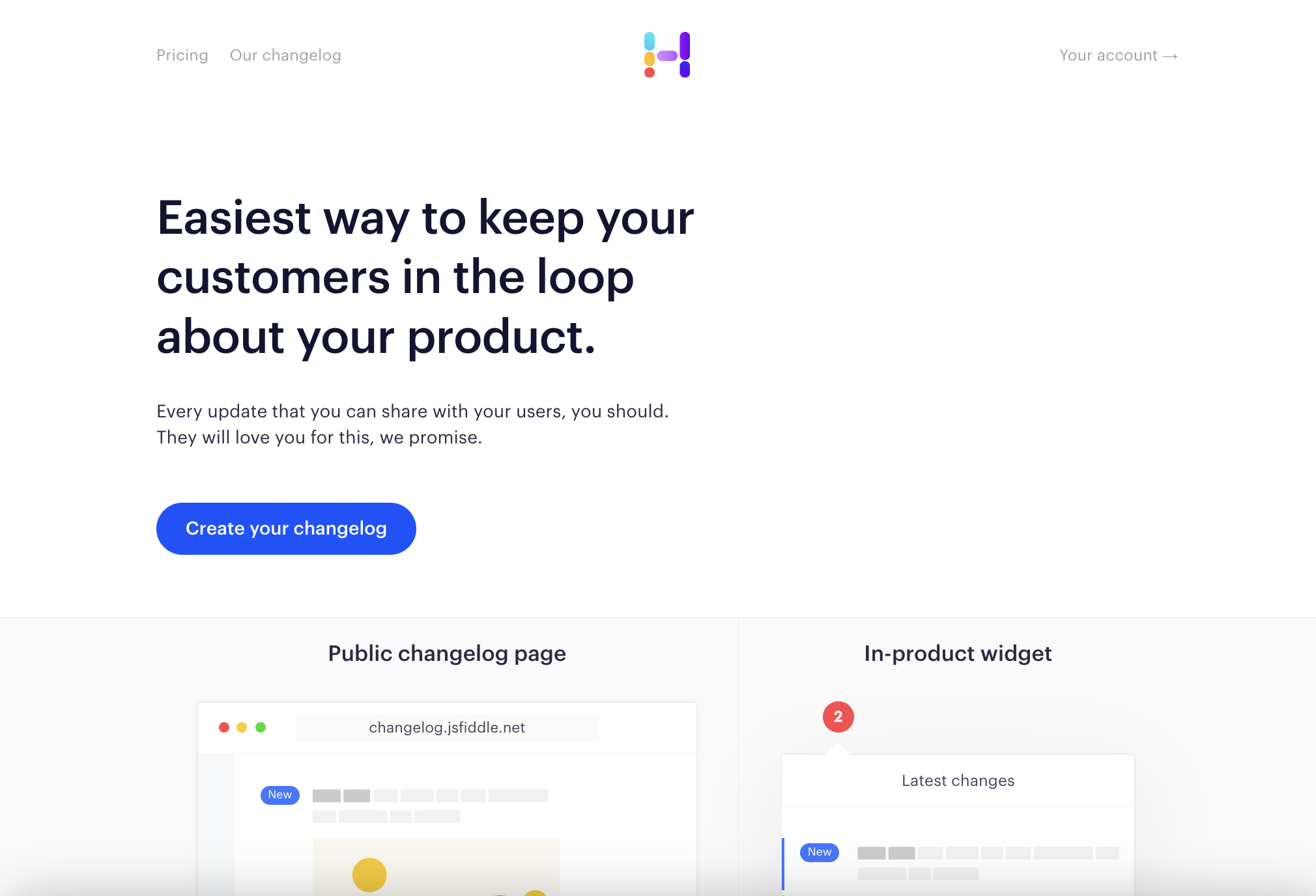
Headway is the minimalist option: a simple, attractive public changelog widget with categories, reactions, and email notifications, and not much beyond that.
What it's good at: Simplicity and price. If you want a clean changelog up quickly with almost nothing to configure, Headway does that well and cheaply, and its free tier already covers unlimited changelogs and the public page and widget.
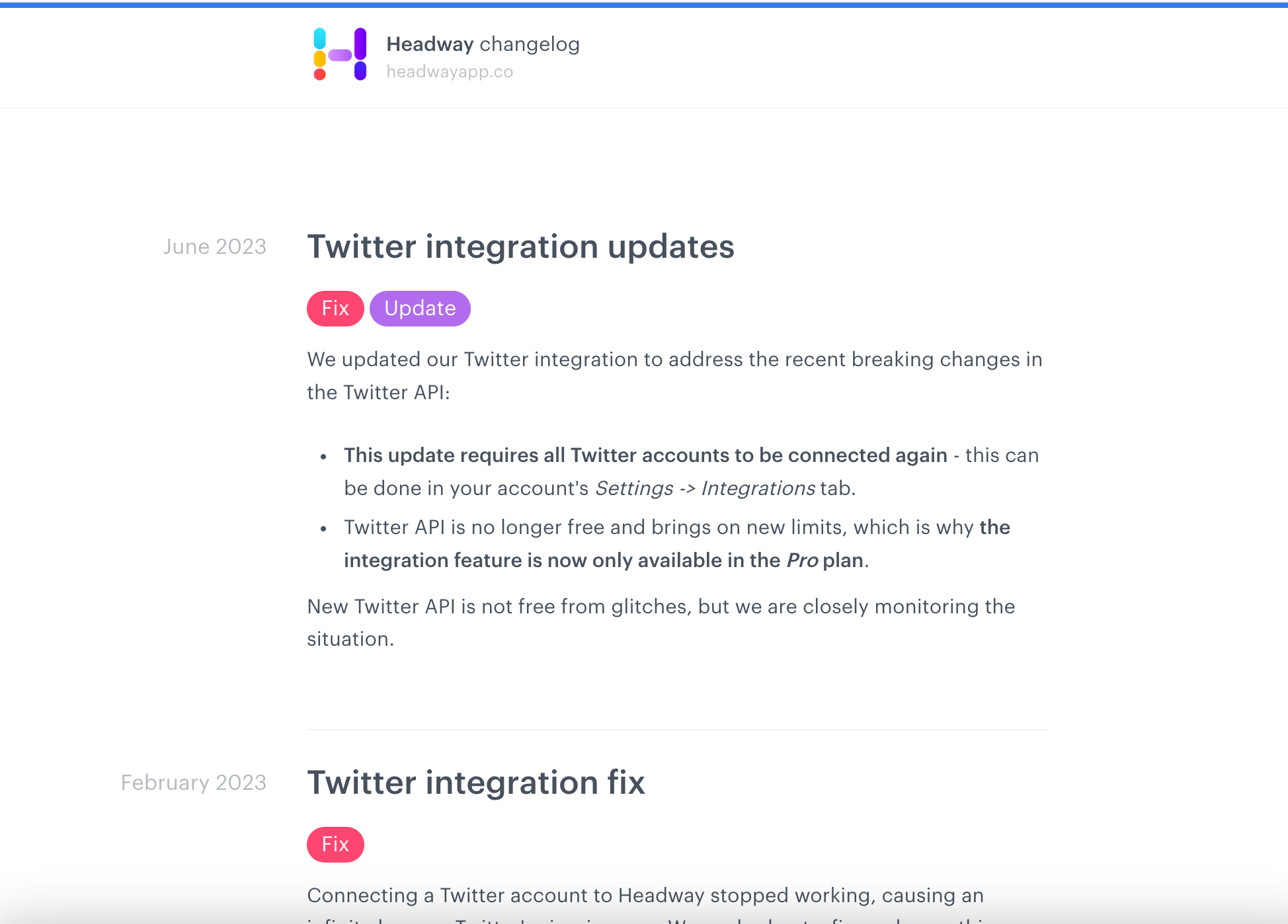
Where it falls short: It's deliberately lightweight, so there's no roadmap, no feedback board, no AI generation, and limited analytics. It's a changelog and little else, so you'd pair it with separate tools for feedback and roadmapping.
Pricing: Free for the core changelog, widget, and public page. Pro is $29/month and adds white-labeling, a custom domain, all integrations, private changelogs, scheduled publishing, and search-engine privacy.
Choose Headway if: you want a clean public changelog live in minutes and already handle feedback and roadmapping elsewhere.
6. Canny
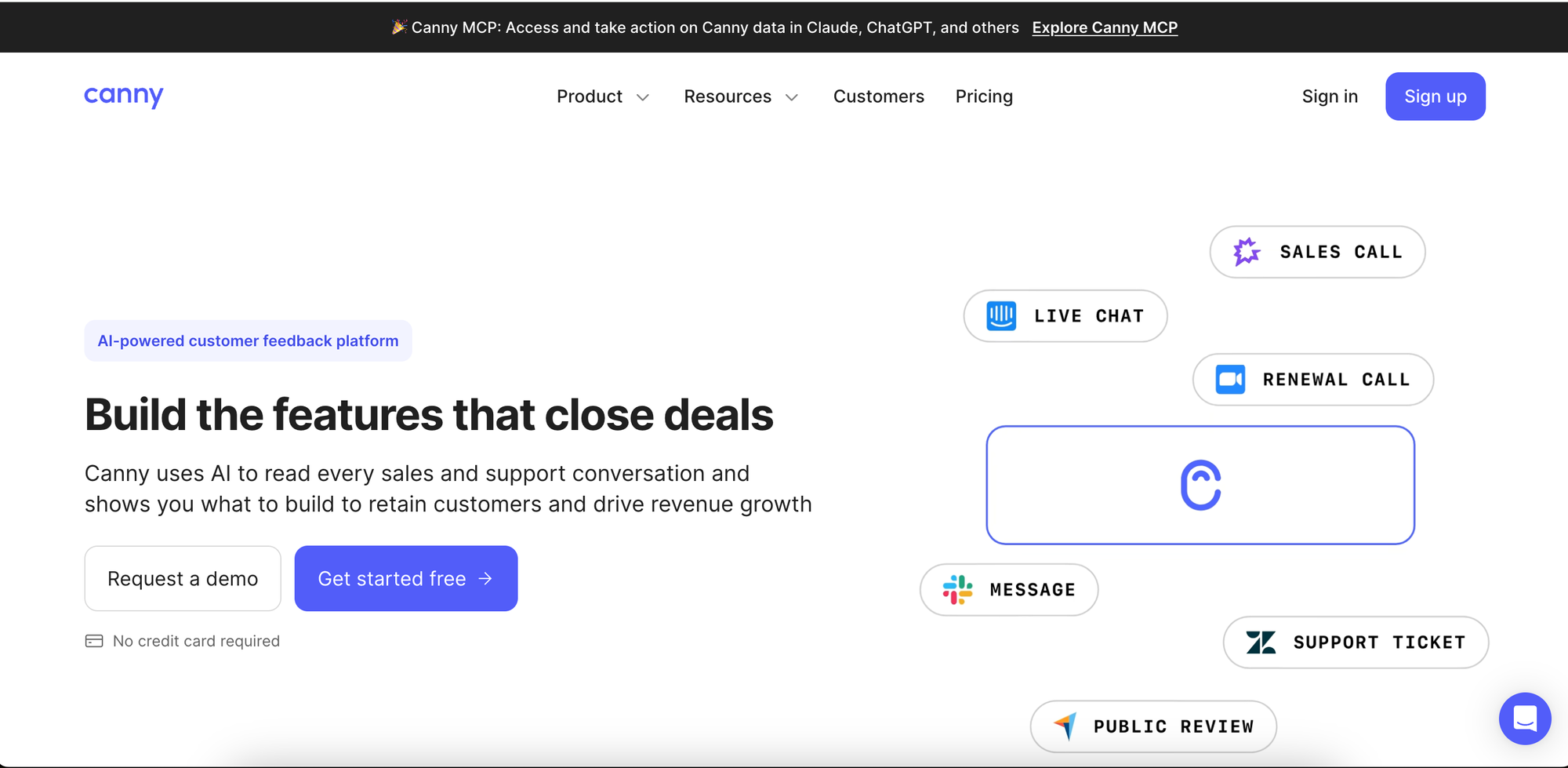
Canny is a feedback platform with a changelog attached, and like Nolt, it can connect updates back to the requests that drove them. It's one of the more established tools in the category.
What it's good at: A feedback-connected changelog with strong analytics, plus deep prioritization that can weight requests by customer and revenue data. Subscribers are notified automatically by email when you publish.
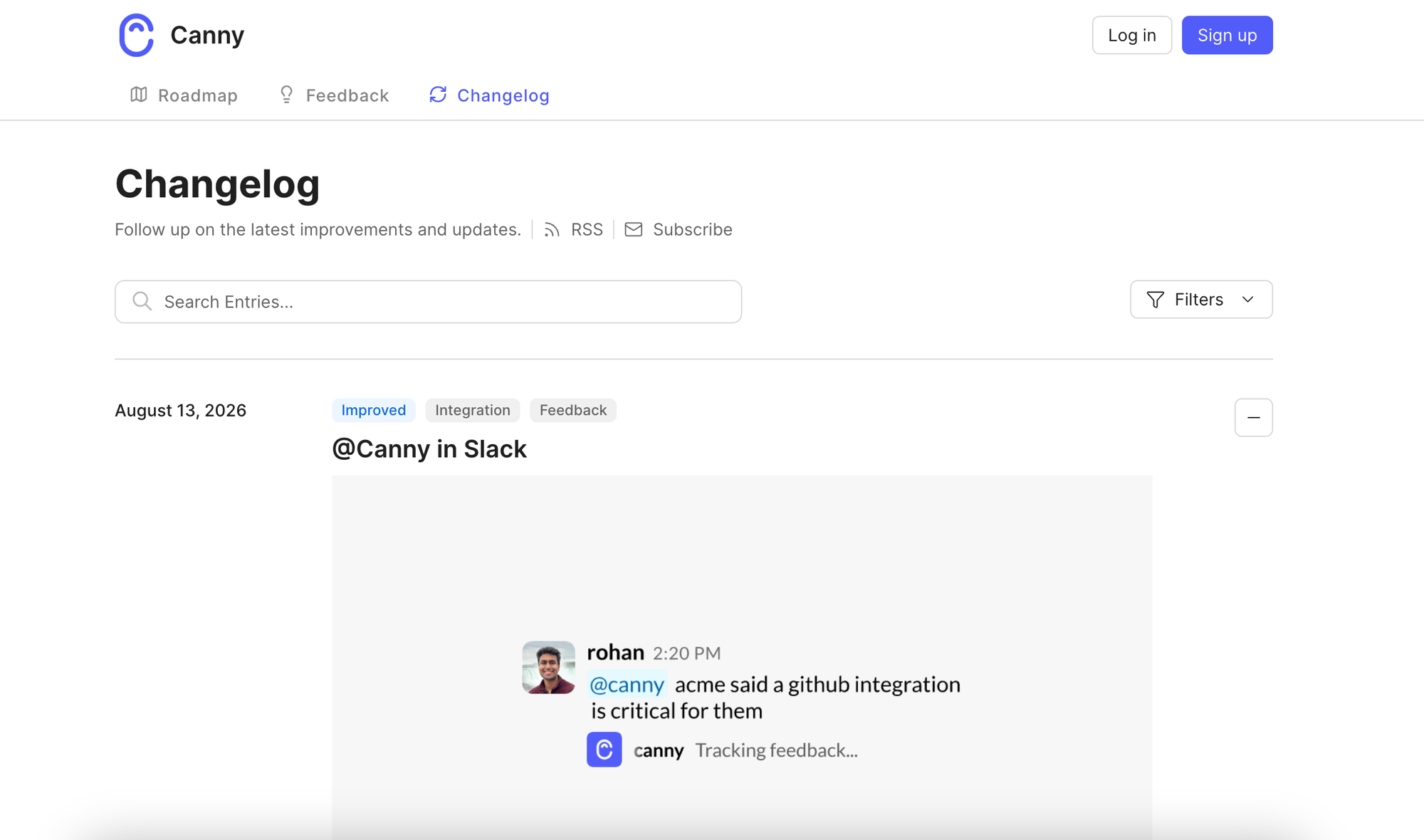
Where it falls short: Canny prices by tracked user, so your cost rises as more people engage with your board. Its changelog entries are written manually: there's no AI drafting and no automatic generation from feedback posts or code commits. SSO is reserved for the top Business tier.
Pricing: Priced per tracked user. A free plan covers up to 25 tracked users; the Pro plan starts at $79/month billed yearly (100+ tracked users), and Business is custom-priced (5,000+ tracked users, SSO).
Choose Canny if: you want mature feedback analytics and revenue-weighted prioritization, and pricing that scales with tracked users fits your model.
7. Featurebase
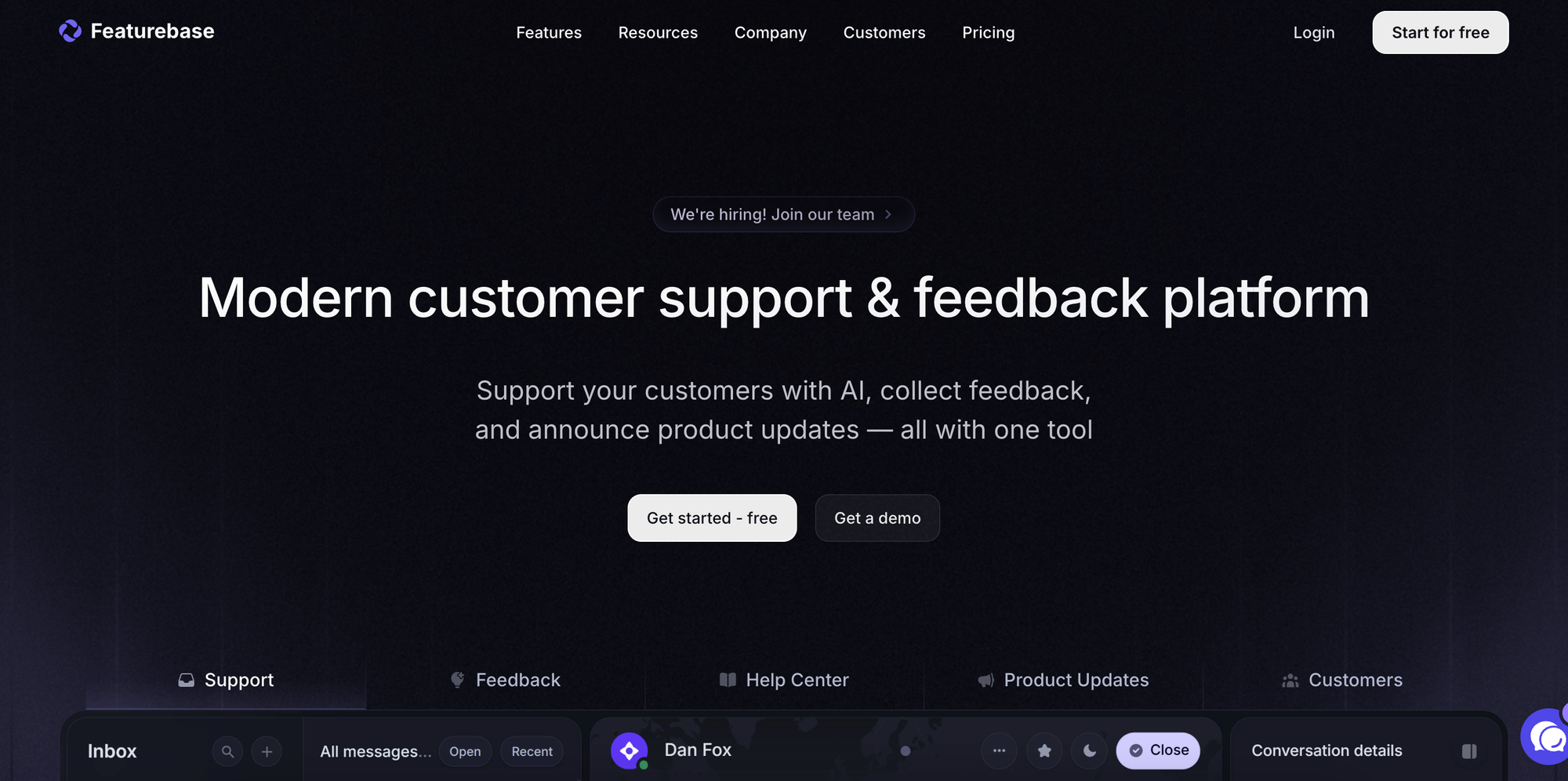
Featurebase bundles a changelog into a broader feedback-and-support suite that also includes a public feedback portal, a roadmap, and a support helpdesk module.
What it's good at: Consolidation. If you want feedback, a changelog, a roadmap, and customer support in one subscription, Featurebase covers a lot of ground with a modern interface, and it exposes an API, MCP, and webhooks from its entry paid tier. Its free plan includes one seat, one board, and one roadmap.
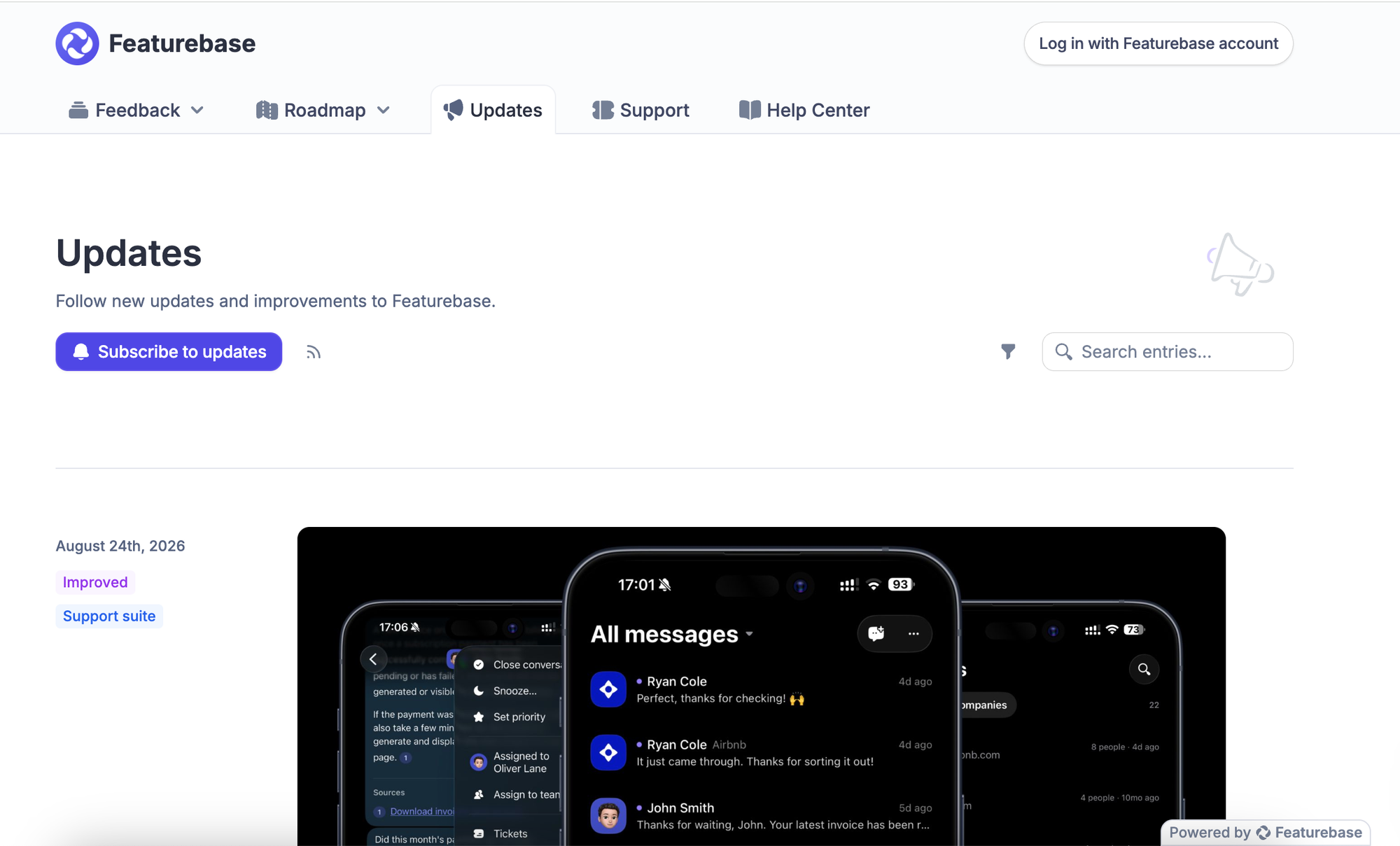
Where it falls short: Pricing is per seat and rises with team size, so a larger team pays more regardless of audience. SSO and post moderation sit on the Professional tier, and if you only need a changelog, you're paying for a support suite you may not use.
Pricing: Per seat, with a free tier (1 seat). Paid plans are Growth $29/seat/month, Professional $59/seat/month, and Enterprise $99/seat/month, all billed yearly.
Choose Featurebase if: you want feedback, changelog, roadmap, and a support helpdesk in one subscription and don't mind paying per seat.
8. ReleaseNotes.io
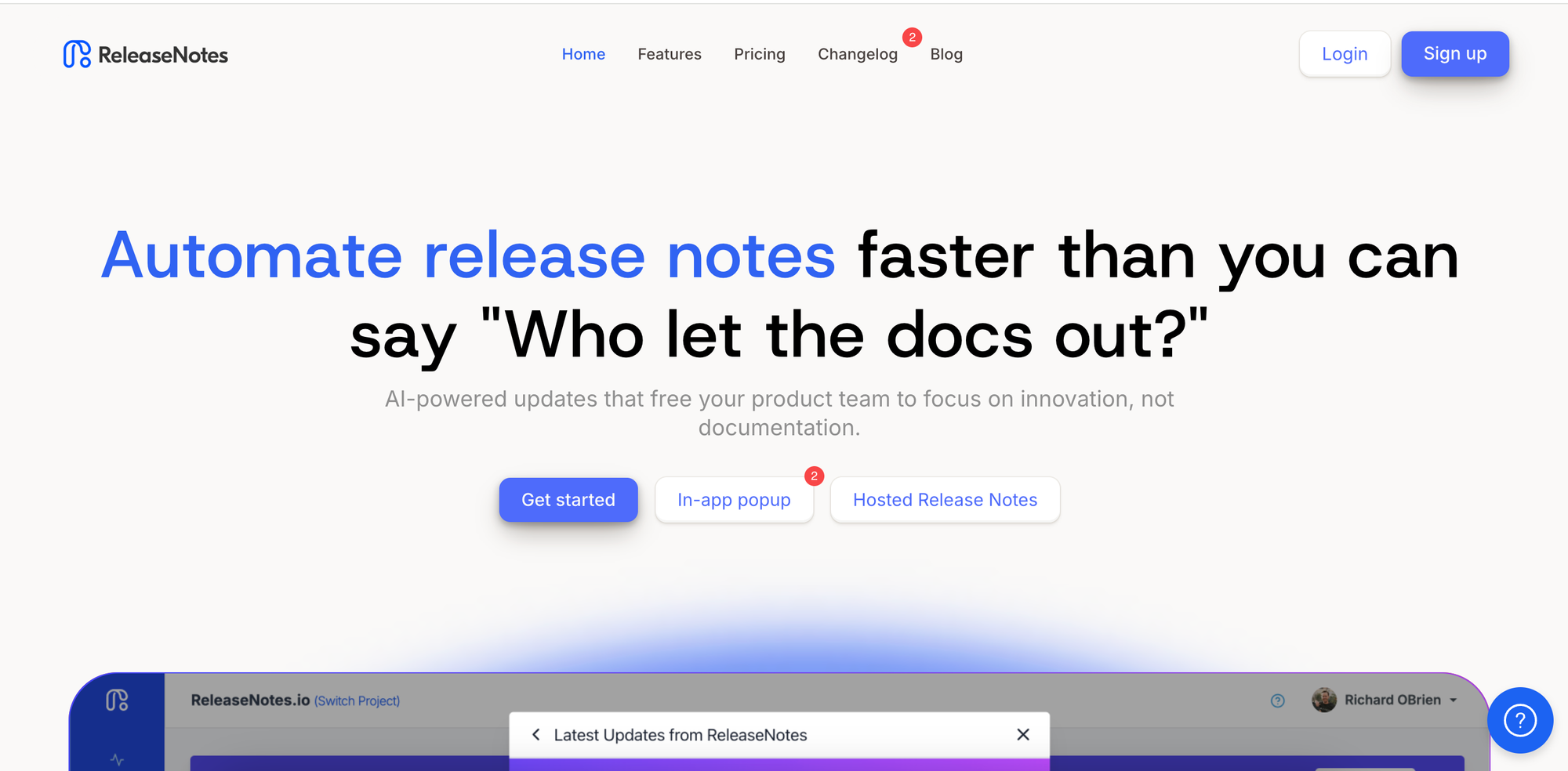
ReleaseNotes.io is a standalone tool focused specifically on writing and hosting release notes, with AI-assisted drafting from your development activity.
What it's good at: A dedicated release-notes workflow. Its AI "Smart Releases" can compile a draft from your pull requests and closed issues, and it offers a hosted public page, in-app popups and banners, email subscribers, and integrations with Jira, GitHub, and Azure DevOps. A good fit if release notes are the specific job you're hiring for.
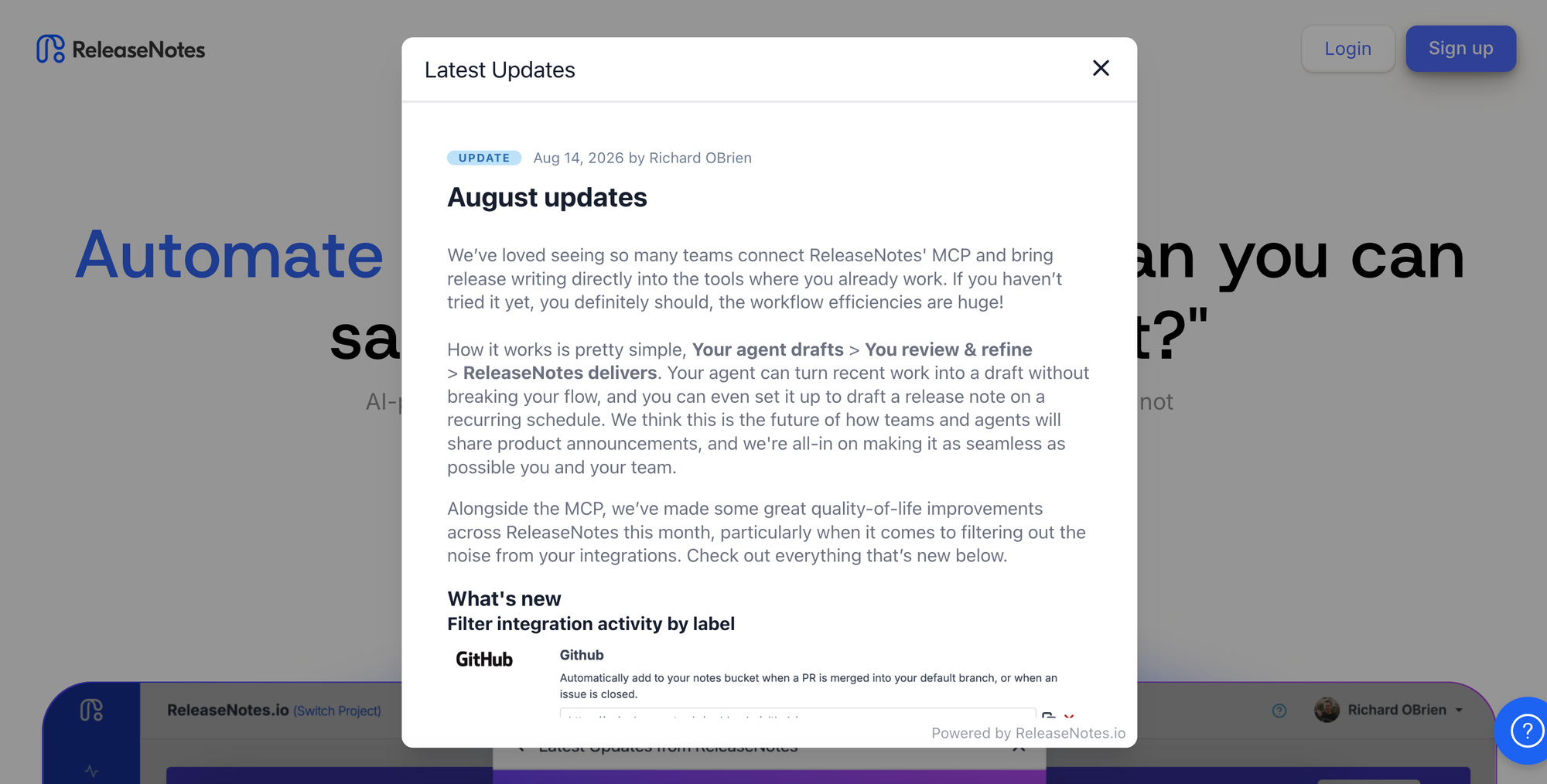
Where it falls short: It's a single-purpose tool, so there's no feedback collection or roadmap, and no link between a shipped update and the users who requested it. Pricing is per project, so multiple products mean multiple subscriptions.
Pricing: Per project. Starter is free, Teams is $39/project/month (adds AI Smart Releases, widgets, and integrations), and Business is $79/project/month (adds private notes, a custom domain, and custom theming).
Choose ReleaseNotes.io if: release notes are the specific job, you want AI to draft them from your commits, and you don't need a feedback board or roadmap.
9. GitHub Releases
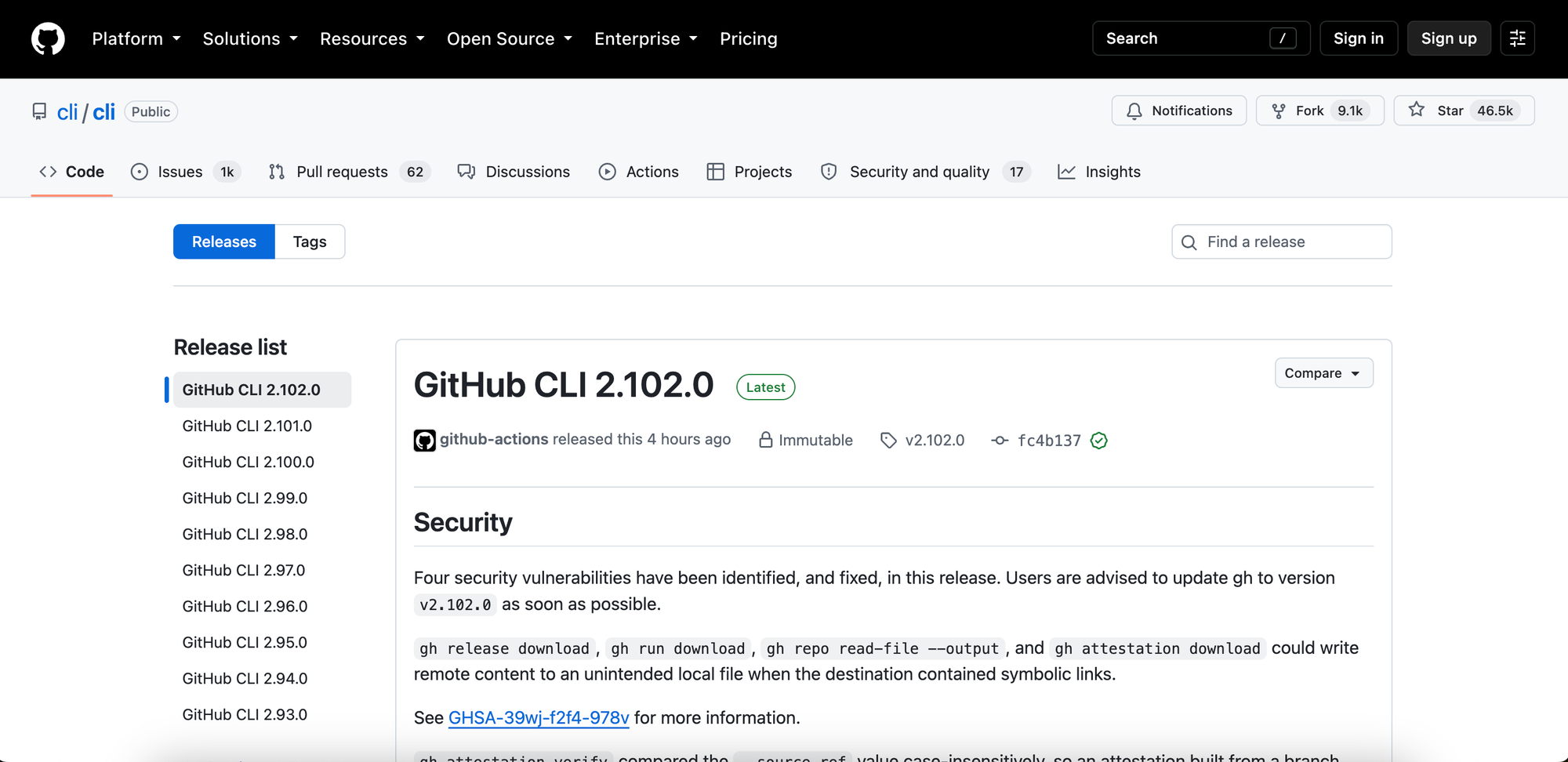
For developer-facing products, GitHub's built-in Releases feature generates release notes automatically from merged pull requests when you tag a release. It's free and lives right next to your code.
What it's good at: Zero extra tooling for developer audiences. It auto-drafts notes from PRs, supports an RSS/Atom feed, and keeps the changelog in the same place your contributors already work.
Where it falls short: It's developer-facing, not customer-facing. There's no in-app widget or email delivery for non-technical users, and no connection to a feedback board.
Pricing: The Releases feature is free with any GitHub account, including the free tier.
Choose GitHub Releases if: your audience is developers, your changelog can live next to your code, and you want it free with zero extra tooling.
How to choose a changelog tool
Almost every tool here now bundles more than a changelog, so the useful question isn't "does it connect to feedback" (most do), but which job the tool was built around. Three groups make the choice simpler.
Feedback-first platforms (Nolt, Canny, Featurebase) start from the feedback board: collect requests, build a roadmap, ship, then announce back to the people who asked. Choose one of these if the feedback loop is the point and the changelog is the payoff at the end of it. They differ mainly on pricing model: Nolt is flat with unlimited users, Canny scales with tracked users, and Featurebase is per seat and adds a support helpdesk.
Announcement-first platforms (Beamer, AnnounceKit, LaunchNotes) start from delivery: in-app widgets, notification feeds, and polished public pages, with feedback and roadmap added around that core (and, in Beamer's case, sold as an add-on). Choose one of these if getting updates seen inside your product is the priority. Beamer is strongest for in-app delivery but priced by audience size, AnnounceKit keeps team seats unlimited, and LaunchNotes is the most structured and the most enterprise-priced.
Dedicated changelog and release tools (Headway, ReleaseNotes.io, GitHub Releases) do one job well. Headway is the simplest and cheapest public changelog, ReleaseNotes.io is an AI-assisted release-notes workflow that drafts from your commits, and GitHub Releases is a free, repo-native option for a technical audience.
For most teams that already collect feedback (or want to), a feedback-first platform saves the most effort, because the announcement writes itself from work you've already tracked, and the pricing model is what separates them. If you only need to publish and distribute, a dedicated changelog tool is lighter and cheaper. And if your audience is developers, GitHub Releases is free and already in your workflow.
Whatever you choose, the tool matters less than the habit. A changelog you actually update, in plain language, connected to the feedback that drove it, is one of the cheapest ways to show users you're listening and shipping.
FAQs
What is the difference between a changelog and release notes?
A changelog is a comprehensive, technical record of product changes, typically written for developers and internal teams. Release notes are curated for customers, highlighting meaningful features, improvements, and fixes in plain language. The terms are often used interchangeably, so this is a useful convention rather than a strict rule.
What is the best free changelog tool?
For developer-facing products, GitHub Releases is free and generates notes from pull requests. For customer-facing changelogs, Headway's free tier covers a full public changelog, and Beamer, Canny, and ReleaseNotes.io all offer limited free plans (usually capped by audience size, seats, or projects). Which is "best" depends on whether you also want feedback and a roadmap attached.
Should my changelog be connected to my feedback?
It's a real advantage if it is. When your changelog links back to feature requests, you can automatically notify the users who asked for something when it ships, which closes the feedback loop and encourages more feedback. Nolt, Canny, and Featurebase are built around that loop; announcement-first tools like Beamer, AnnounceKit, and LaunchNotes offer it too, sometimes as an add-on or higher-tier feature.
Can changelog entries be generated automatically?
Yes, to varying degrees. Nolt drafts entries natively from either your completed feedback posts or your GitHub commits. GitHub Releases and ReleaseNotes.io can also draft release notes from your pull requests and commits, while AnnounceKit and LaunchNotes support AI-generated drafts through their MCP servers.
Do I need a changelog tool, or can I just use a blog?
A blog works when you ship occasionally, but it breaks down at a weekly or daily cadence: there's no in-app widget, no notification to users, and no connection to the feedback that drove the update. A changelog tool gives shipped work a permanent home and a delivery channel that actually reaches users.