Posts are the heart and soul of your Nolt board. Depending on your use case, they represent user requests, your own ideas, bugs, or other suggestions. This guide will walk you through the basics of managing them.
Internal linking
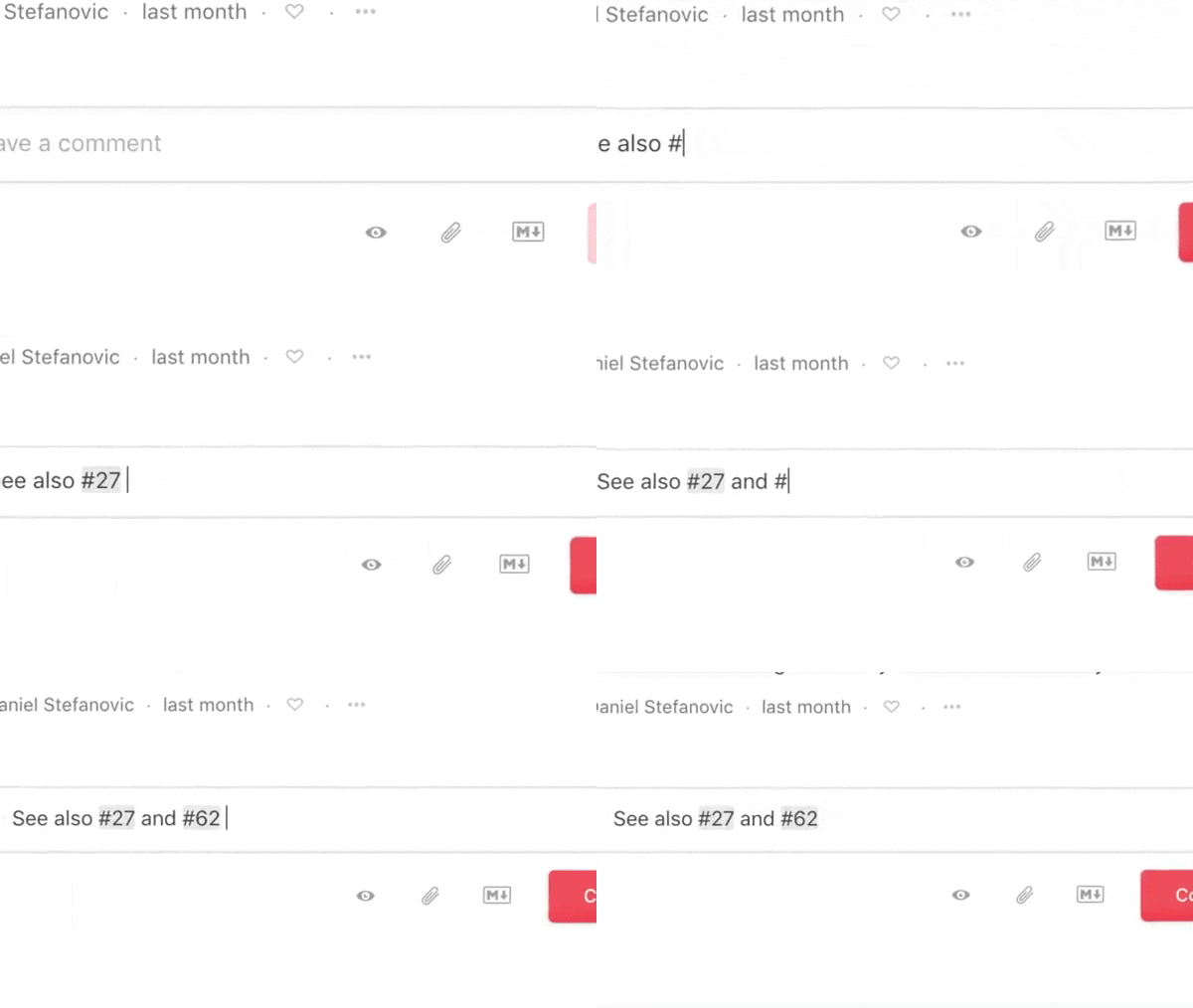
We believe that your posts should be free to coexist, intermingle, and link between one another, like your shower ideas – and all your non-shower ideas – throughout the day. You can link posts by typing # followed by the first few letters of your search; a suggestion box with posts that match your text will appear.
Adding style and links
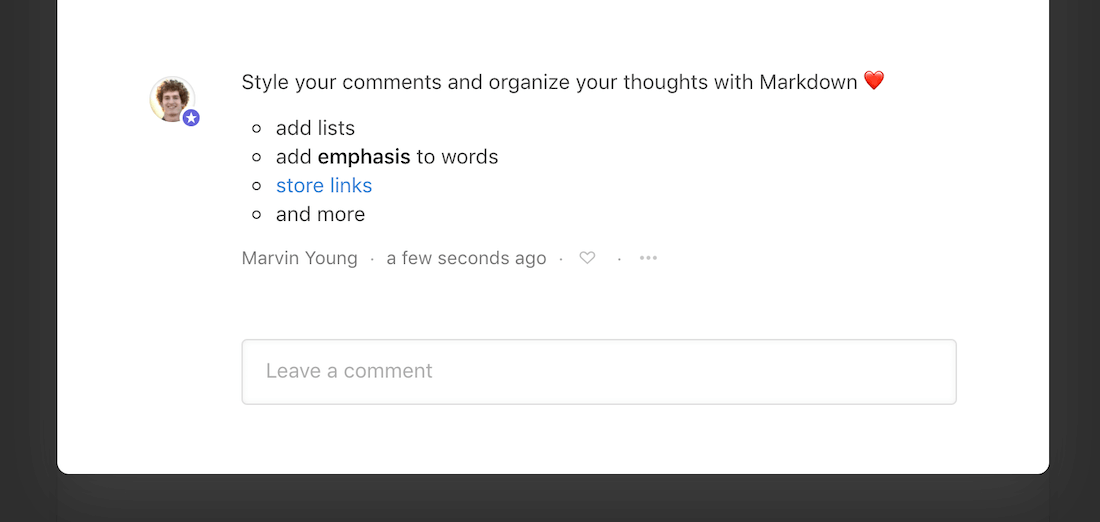
We support a selected subset of the Markdown syntax (including links, lists, code blocks, and more) for use in post comments. Read more.
Merging posts
To limit duplicate suggestions, Nolt searches for similar user requests when a new post is being created. However, similar ideas may be posted by multiple users, so you have the ability to merge those posts to avoid redundancy.
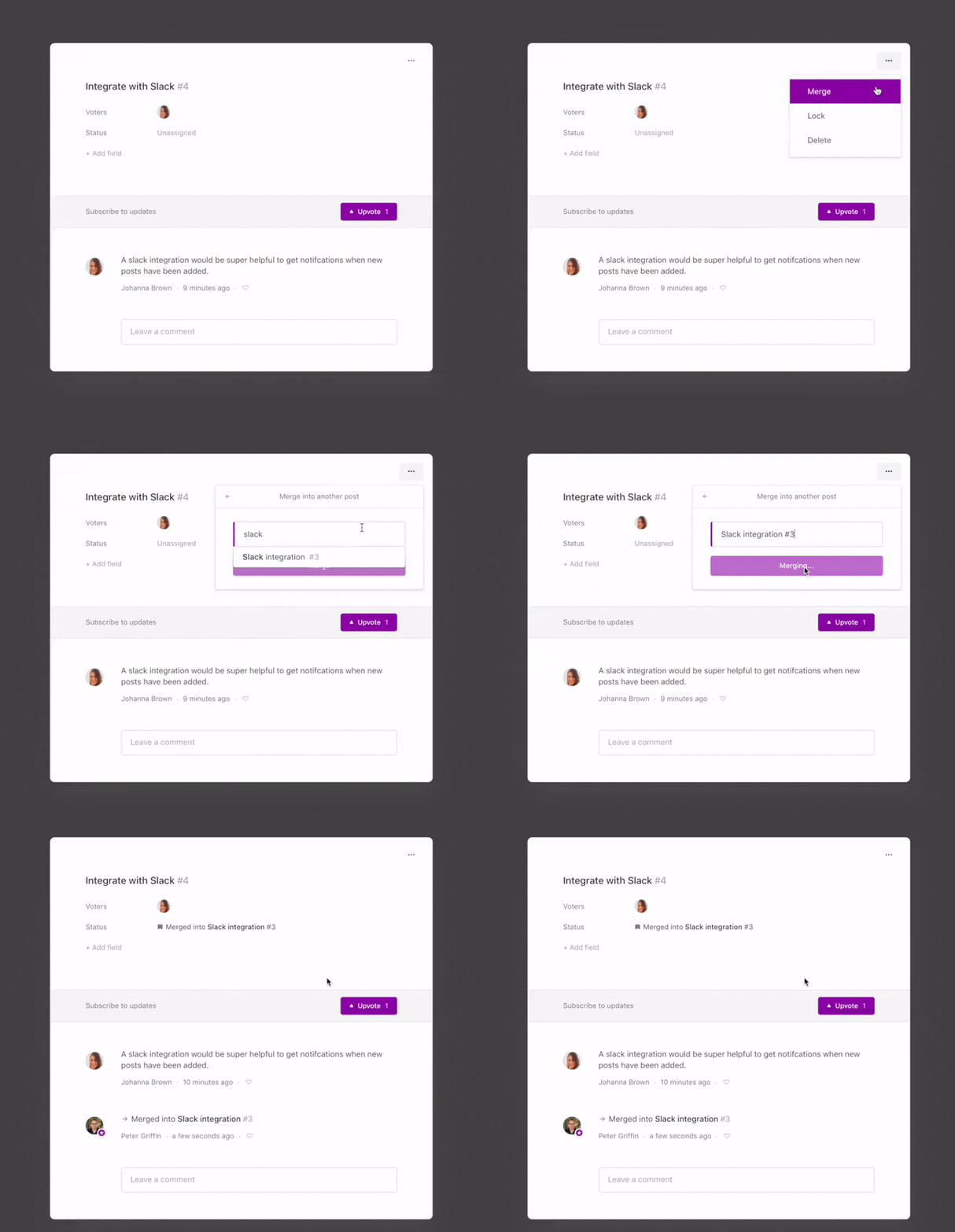
To do this, navigate to the redundant post, select Merge in the upper-right corner, and then search for the similar idea. After confirming your selection, the original post will absorb all votes from the closed one. An activity entry in both posts will indicate a successful merger.
Locking discussions
Lock conversations on a post permanently or temporarily to defuse heated interactions or quiet a conversation that is no longer constructive. Click on the icon in the upper-right corner of a post and select Lock.

Voting on behalf of users
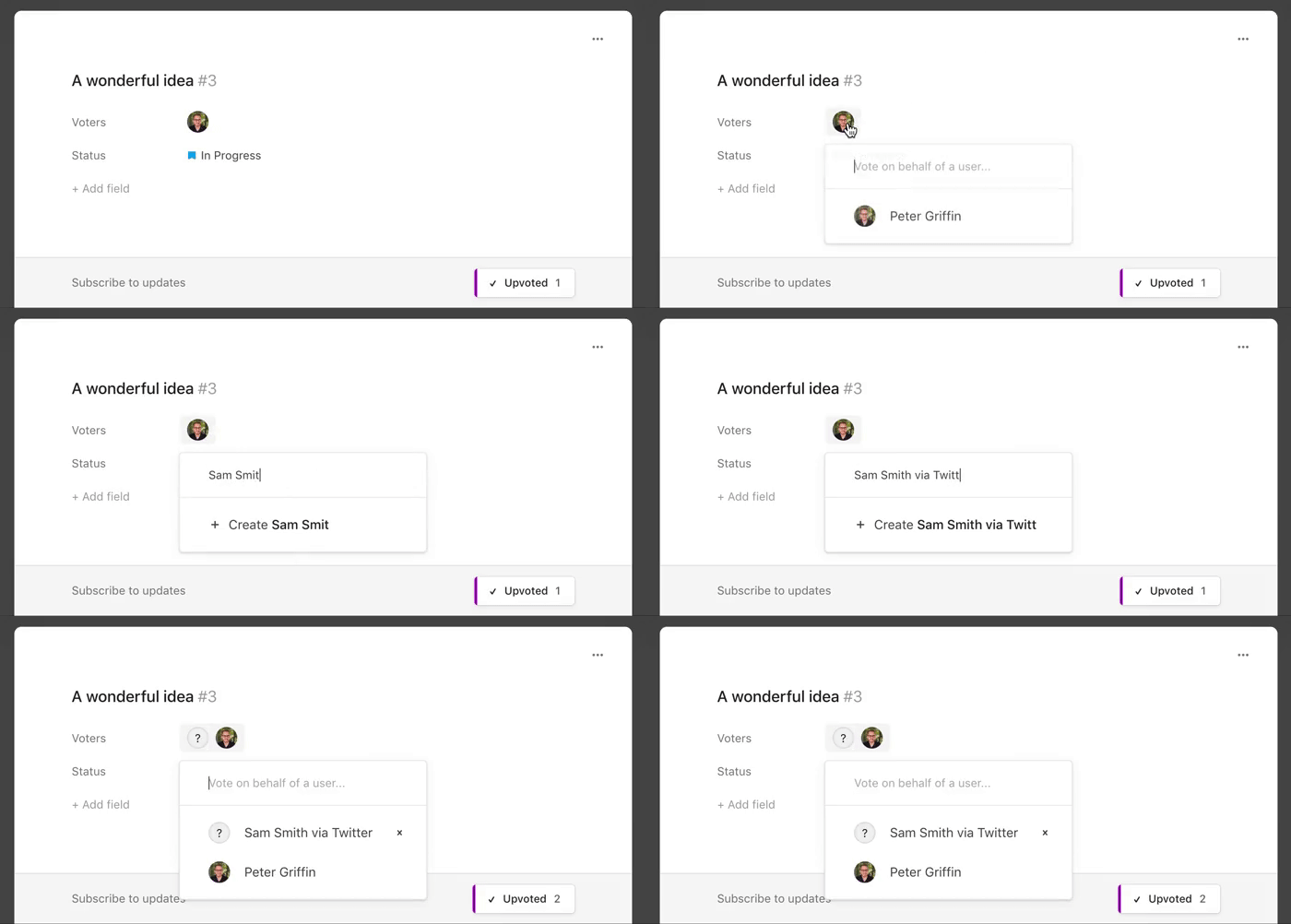
Track feedback from other channels or vote on behalf of those who don’t have time to participate. Clicking on the list of voters on any post allows you to add voters manually.