
Your customers have opinions about your product. Some tell you what they want, some report bugs, and others quietly leave when something doesn't work. The challenge isn't just collecting feedback. It's figuring out what matters and doing something useful with it.
There's no shortage of tools for the job, but they solve different problems. Feedback boards help you collect and prioritize feature requests. Surveys tell you what customers think. Session replay tools show you where users get stuck, while bug reporting tools help your team reproduce and fix issues.
The right tool depends on what you're trying to learn and what you plan to do with the answers.
We've compared 13 customer feedback tools across six categories, looking at their features, pricing, and where each one works best. We've included Nolt (that's us), and we'll be upfront about that. The goal is to help you find the right tool, whether you need a simple feedback board or a more comprehensive customer research platform.
One note before we start: pricing and features change often, so this comparison reflects each vendor's published information as of October 2026. Always check current plans before making a decision.
What makes a good customer feedback tool?
The best customer feedback tools help you understand what customers want, where they're struggling, and what to improve. But they approach the problem differently. A feedback board collects ideas and feature requests, a survey measures satisfaction, and a session replay tool shows you what users actually do. Some tools also help you prioritize feedback, track progress, and let customers know when their requests have been addressed.
Beyond features, pay attention to how each tool charges. Some have flat pricing, while others charge by team seats, survey responses, tracked users, or recorded sessions. A tool that looks affordable today can get expensive as your team or customer base grows. We've included the pricing model for each tool below so you can compare how they scale.
Quick comparison
The best customer feedback tool depends on the kind of feedback you need. If you're building a SaaS product and want to collect feature requests, prioritize ideas, share your roadmap, and announce updates, Nolt brings those workflows together at a flat price. Canny and Featurebase also connect feedback to product decisions, while Productboard is designed for more complex product management workflows.
For surveys, SurveyMonkey and Survicate are strong options. Contentsquare and Fullstory help you understand user behavior, Userback and Marker.io focus on visual bug reporting, and Maze is built for usability research. Enterpret and Qualtrics offer more advanced feedback analysis for larger organizations.
| Tool | Best for | What it is | Pricing model | Entry price (Oct 2026) |
|---|---|---|---|---|
| Nolt | Feedback, roadmaps, and changelogs in one place | Product feedback platform | Flat rate, unlimited users | $29/month, billed annually |
| Canny | Feature requests and prioritization | Product feedback platform | Tracked users | Free, then $79/month annually |
| Featurebase | Feedback with customer support | Feedback and support suite | Per seat | Free, then $29/seat/month annually |
| Productboard | Advanced product planning | Product management platform | Custom plans | Contact sales |
| SurveyMonkey | General-purpose surveys | Survey platform | Per seat and responses | Free; paid pricing varies by region |
| Survicate | Customer satisfaction and NPS | Multichannel survey platform | Response allowances | Starter from £69/month (UK pricing) |
| Contentsquare | Heatmaps and website behavior | Experience analytics platform | Sessions and product tiers | Free; Growth from $39/month |
| Fullstory | Session replay and user friction | Behavioral analytics platform | Sessions and plan tiers | Free; paid pricing on request |
| Userback | Visual feedback and bug reports | Bug reporting platform | Seat and site limits | Free; Team from $29/month annually |
| Marker.io | Bug tracking for development teams | Visual bug reporting tool | Seat-based plans | From $39/month annually |
| Maze | Usability and prototype testing | User research platform | Studies, seats, and research usage | Free; Starter $99/month |
| Enterpret | AI-powered feedback analysis | Customer feedback intelligence | Custom pricing | Contact sales |
| Qualtrics | Enterprise experience management | Customer experience platform | Custom plans | Contact sales |
Pricing as of October 2026. Some prices require annual billing, and usage limits, additional seats, or optional features may affect the total cost. Check current plans before deciding.
Product feedback and feature request tools
These tools help you collect ideas, understand which features customers want, and decide what to build next. Most also include voting, roadmaps, and ways to keep customers informed as requests move forward.
1. Nolt
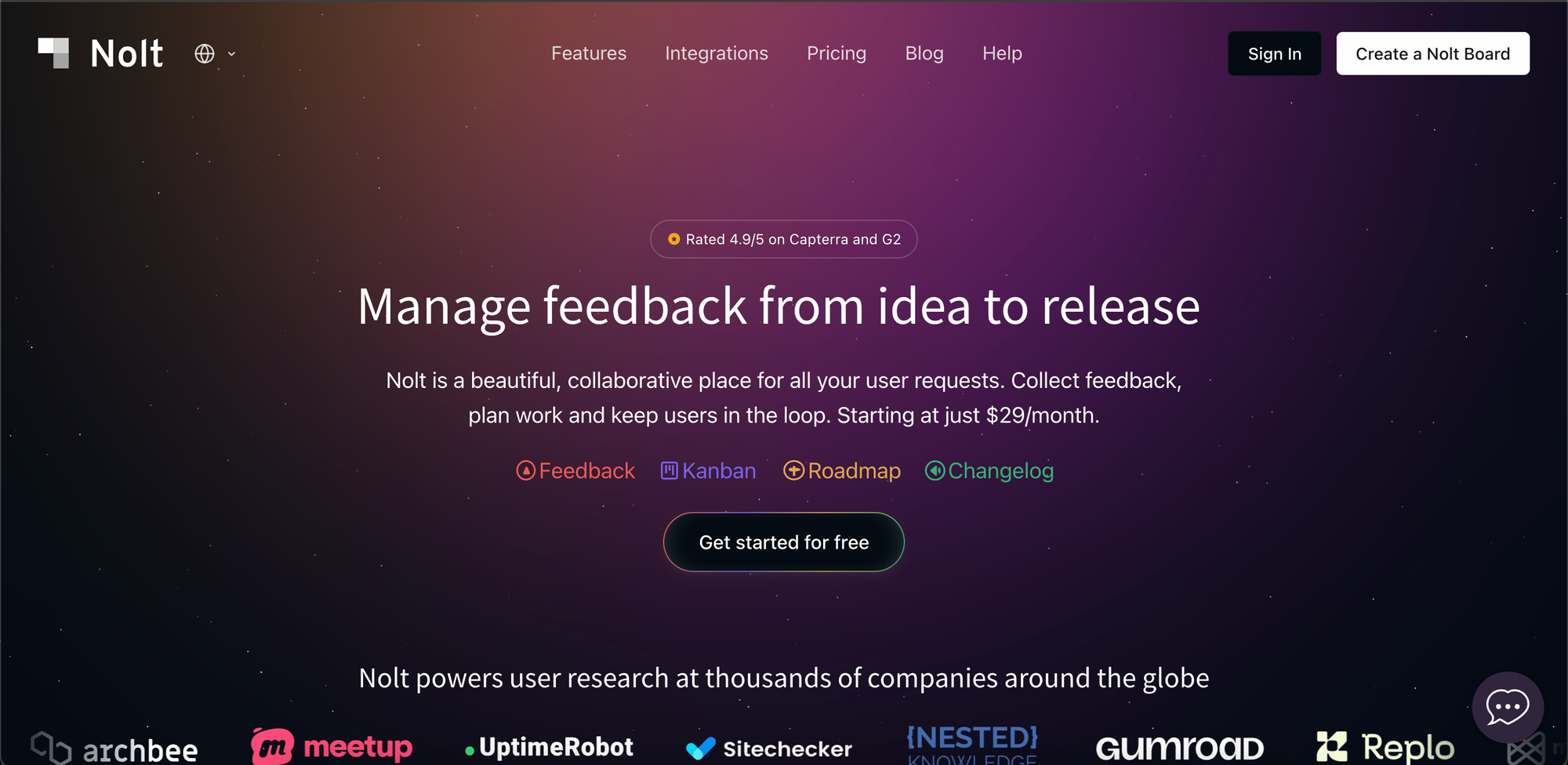
Nolt brings feedback boards, product roadmaps, and changelogs together, so you can manage the entire feedback process in one place. Customers submit ideas, vote on requests, and discuss what matters to them. Your team can organize that feedback, turn ideas into actionable work, and keep everyone updated as features progress.
What it's good at: Nolt goes beyond collecting feature requests. You can use custom fields, statuses, internal notes, and a Kanban view to organize feedback, assign work, and track progress. Public and private boards, embeddable widgets, single sign-on, and integrations make it easy to collect feedback from customers without sending them through a separate workflow.
The biggest advantage is how everything connects. You can share a public roadmap, notify users when the status of their requests changes, and publish changelog updates when features ship. Nolt can even use AI to draft changelog entries from completed feedback posts or GitHub commits, saving your team from writing every update from scratch. You can see how this works on Nolt's own public feedback board.
Pricing is another advantage. Every plan includes unlimited users, admins, and content, so the cost doesn't increase as more customers participate or your team grows.
Where it falls short: Nolt focuses on collecting, organizing, and acting on feedback rather than running large-scale customer research. It doesn't replace dedicated NPS survey platforms, session replay tools, or enterprise feedback analytics.
Pricing: Flat rate: Essential is $29/month with 1 board, and Pro is $69/month with 5 boards, both billed annually. Enterprise offers unlimited boards and custom pricing. All plans include unlimited users, admins, and content.
Choose Nolt if: You want a straightforward way to collect customer feedback, prioritize requests, manage your roadmap, and announce what you've shipped, without paying more as your users or team grow.
2. Canny
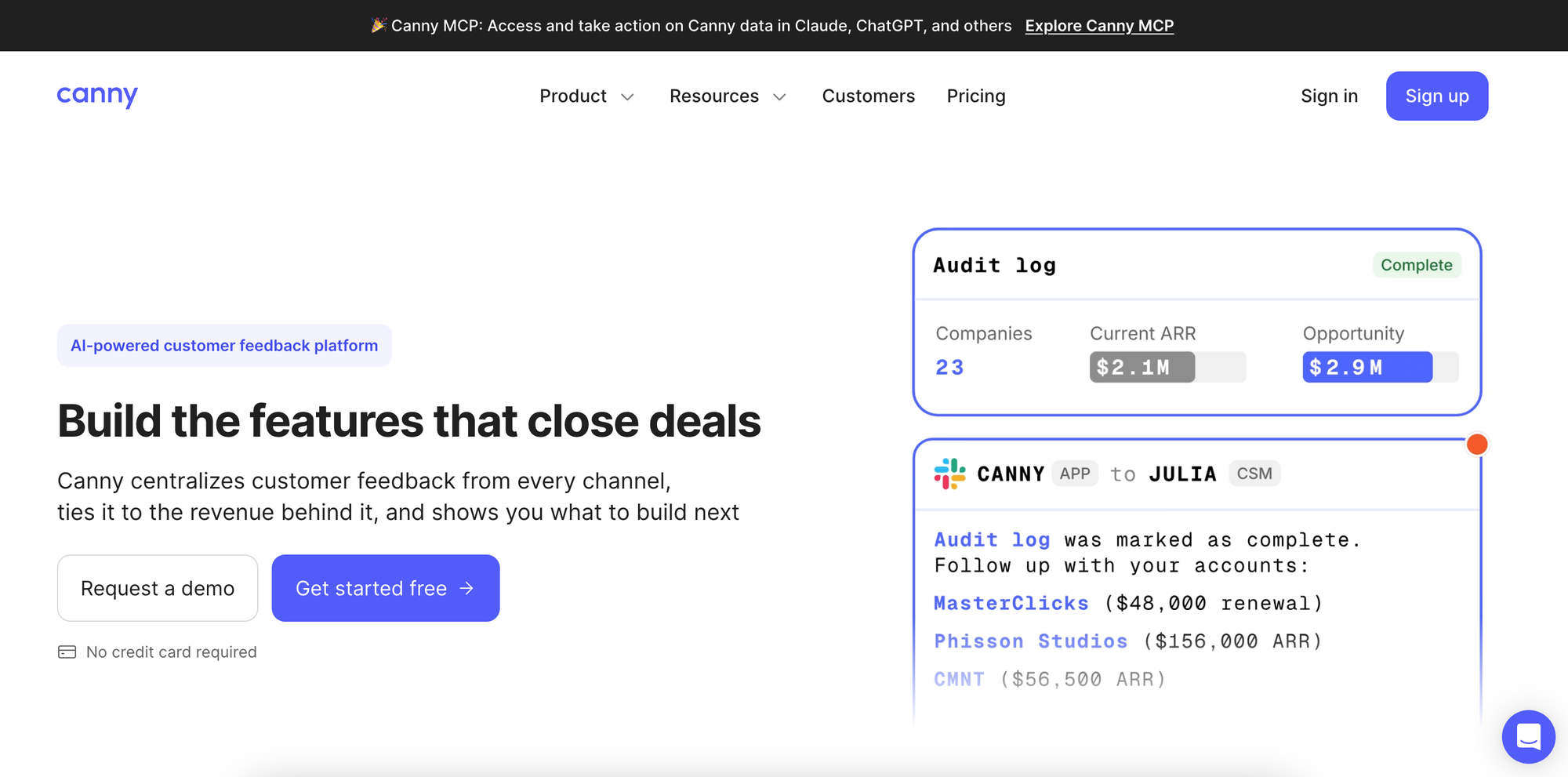
Canny helps product teams collect feature requests, organize customer feedback, and prioritize what to build. It combines feedback boards, voting, roadmaps, and changelogs, with a particular focus on connecting product requests to customer and revenue data.
What it's good at: Canny offers customer segmentation, prioritization scoring, and revenue-based feedback analysis, which can help teams understand which requests matter to their most valuable customers. Its Autopilot feature can also capture, deduplicate, and organize feedback from customer conversations.
Where it falls short: Pricing scales with tracked users, meaning the number of customers associated with feedback can affect your bill. The free plan is limited to 25 tracked users, and advanced integrations and privacy controls require paid plans. Teams that want a predictable flat price may find Nolt easier to budget for.
Pricing: Free for up to 25 tracked users. Pro starts at $79/month billed annually with 100+ tracked users, while Business uses custom pricing.
Choose Canny if: You want detailed feedback prioritization tied to customer segments and revenue, and you're comfortable with tracked-user pricing.
3. Featurebase
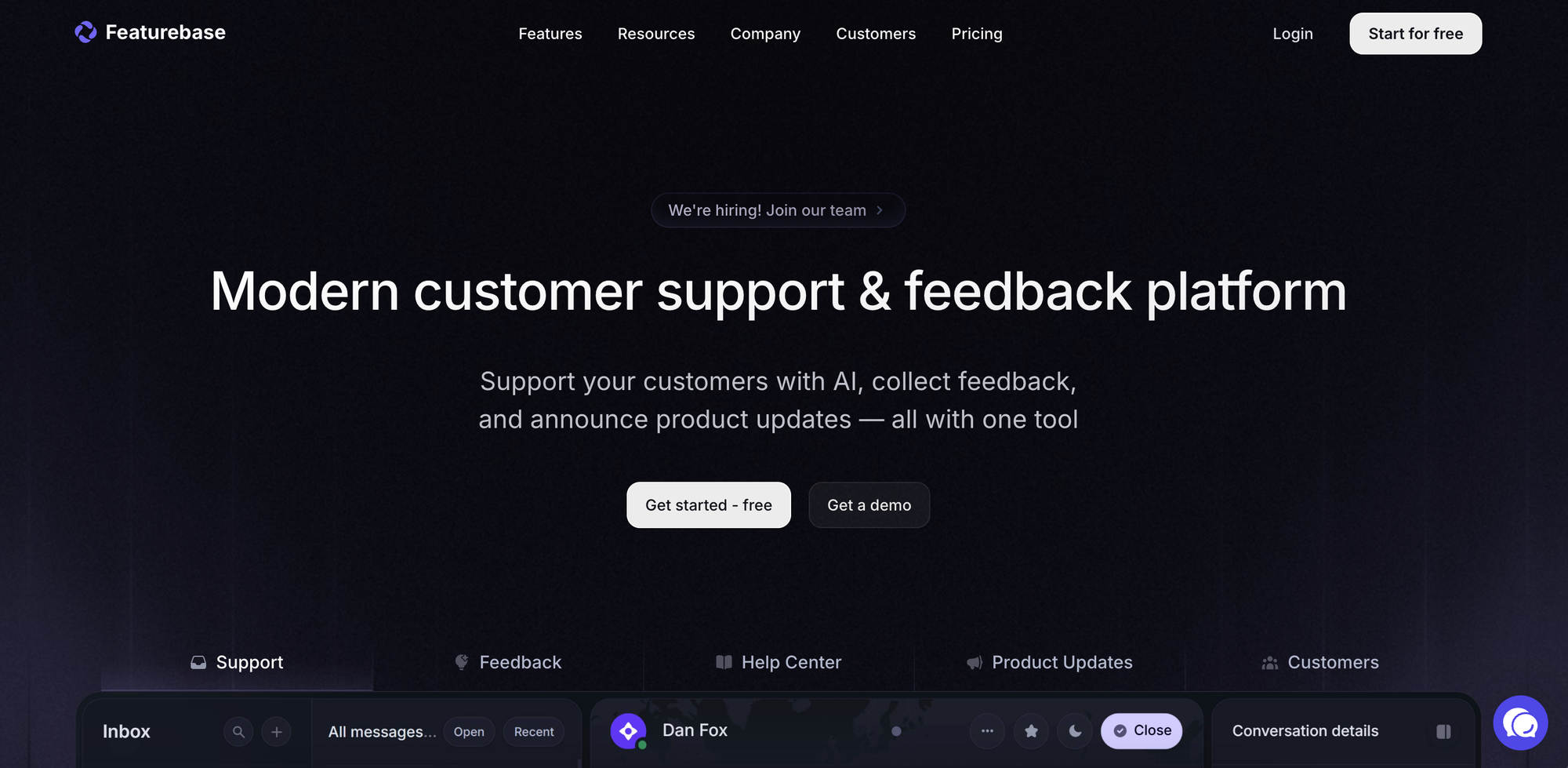
Featurebase combines product feedback management with customer support. Alongside feedback boards, voting, roadmaps, and changelogs, it offers a unified support inbox, knowledge base, and AI-powered customer support features.
What it's good at: Featurebase is useful for teams that want to consolidate feedback and customer support into one platform. Customers can submit ideas and vote on requests, while your team can organize feedback, use AI to identify opportunities, and notify users when features are shipped. Its support tools also help manage customer conversations across multiple channels.
Where it falls short: Featurebase's broader functionality may be unnecessary if you already have a customer support platform and primarily need feedback management. Paid plans charge per seat, with additional usage-based costs for AI resolutions. That can make the total cost harder to predict as your support team expands.
Pricing: Free plan available with 1 seat. Growth starts at $29/seat/month, Professional at $59/seat/month, and Enterprise at $99/seat/month, billed annually. AI resolutions cost extra.
Choose Featurebase if: You want feedback management, roadmaps, changelogs, and customer support in one platform.
4. Productboard
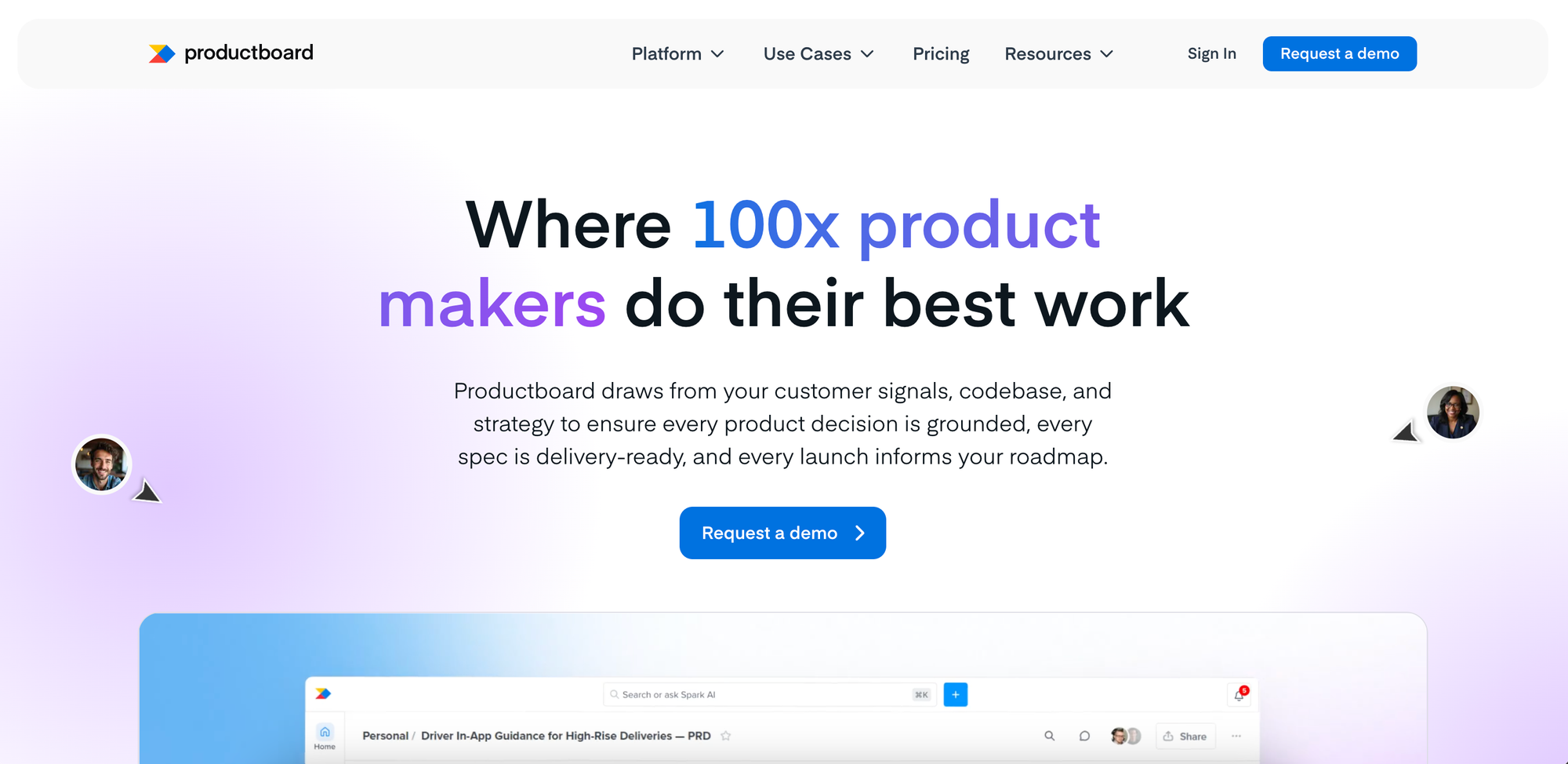
Productboard is a product management platform designed to help teams turn customer feedback into product strategy. It combines customer insights, prioritization, roadmapping, and product planning, with AI features for finding patterns and identifying opportunities.
What it's good at: Productboard is particularly useful for larger product organizations managing multiple teams and competing priorities. It centralizes feedback, connects insights to feature ideas, and supports strategic roadmaps, customer segmentation, and cross-team alignment. Its Spark AI capabilities help synthesize feedback and support product planning.
Where it falls short: Productboard is a more comprehensive product management system than most teams need for a simple public feedback board. Its range of planning, collaboration, and governance features adds complexity, and there's no publicly listed self-service starting price.
Pricing: Custom pricing for Business and Enterprise plans. Contact sales for a quote.
Choose Productboard if: You manage a larger product organization and need advanced feedback analysis, product strategy, and roadmapping across multiple teams.
Surveys and customer satisfaction
Survey tools help you measure customer satisfaction, validate ideas, and understand why users feel a certain way. Unlike feedback boards, where customers can submit and vote on ideas over time, surveys let you ask specific questions and collect structured responses.
5. SurveyMonkey
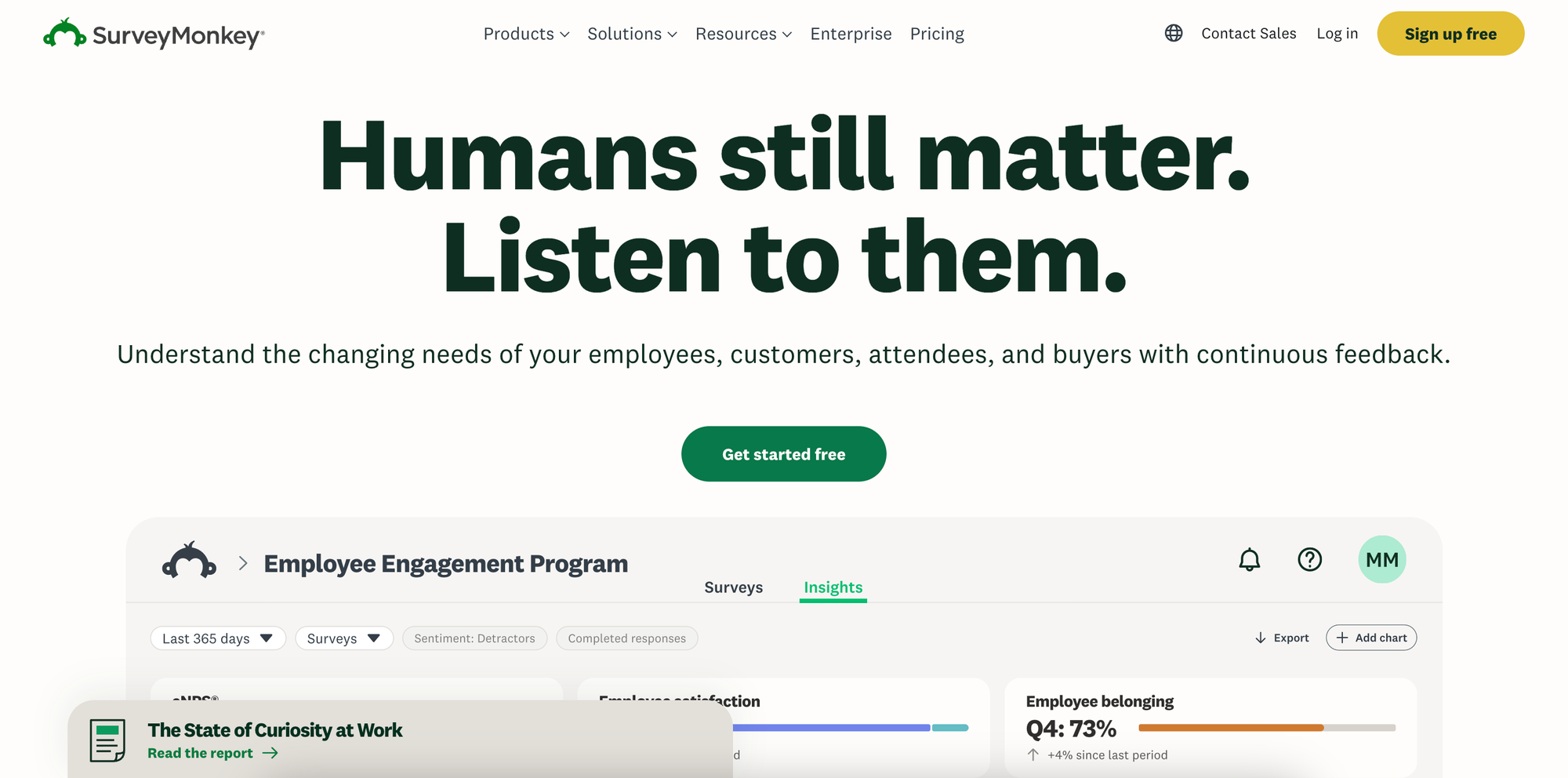
SurveyMonkey is a general-purpose survey platform for collecting customer feedback, conducting market research, and measuring satisfaction. It offers customizable questionnaires, ready-made templates, and tools for analyzing responses.
What it's good at: SurveyMonkey supports a wide range of research needs, from simple customer satisfaction surveys to detailed product research. You can measure NPS, collect feedback on new features, use branching logic to personalize questions, and analyze results with AI. It also offers product-specific templates and integrations with other business tools.
Where it falls short: SurveyMonkey is designed primarily for collecting and analyzing survey responses, not maintaining an ongoing product feedback board or public roadmap. Its free plan limits questions and responses, while paid plans impose response allowances. Team plans also require at least three paid users, which can make collaboration expensive for smaller teams.
Pricing: Free plan available with limited questions and responses. Advantage Annual starts at $39/month for one user, billed annually, with 15,000 responses per year. Team Advantage starts at $30/user/month with a minimum of three users, billed annually. Additional responses may incur extra charges.
Choose SurveyMonkey if: You need flexible surveys for customer satisfaction, market research, or product validation.
6. Survicate
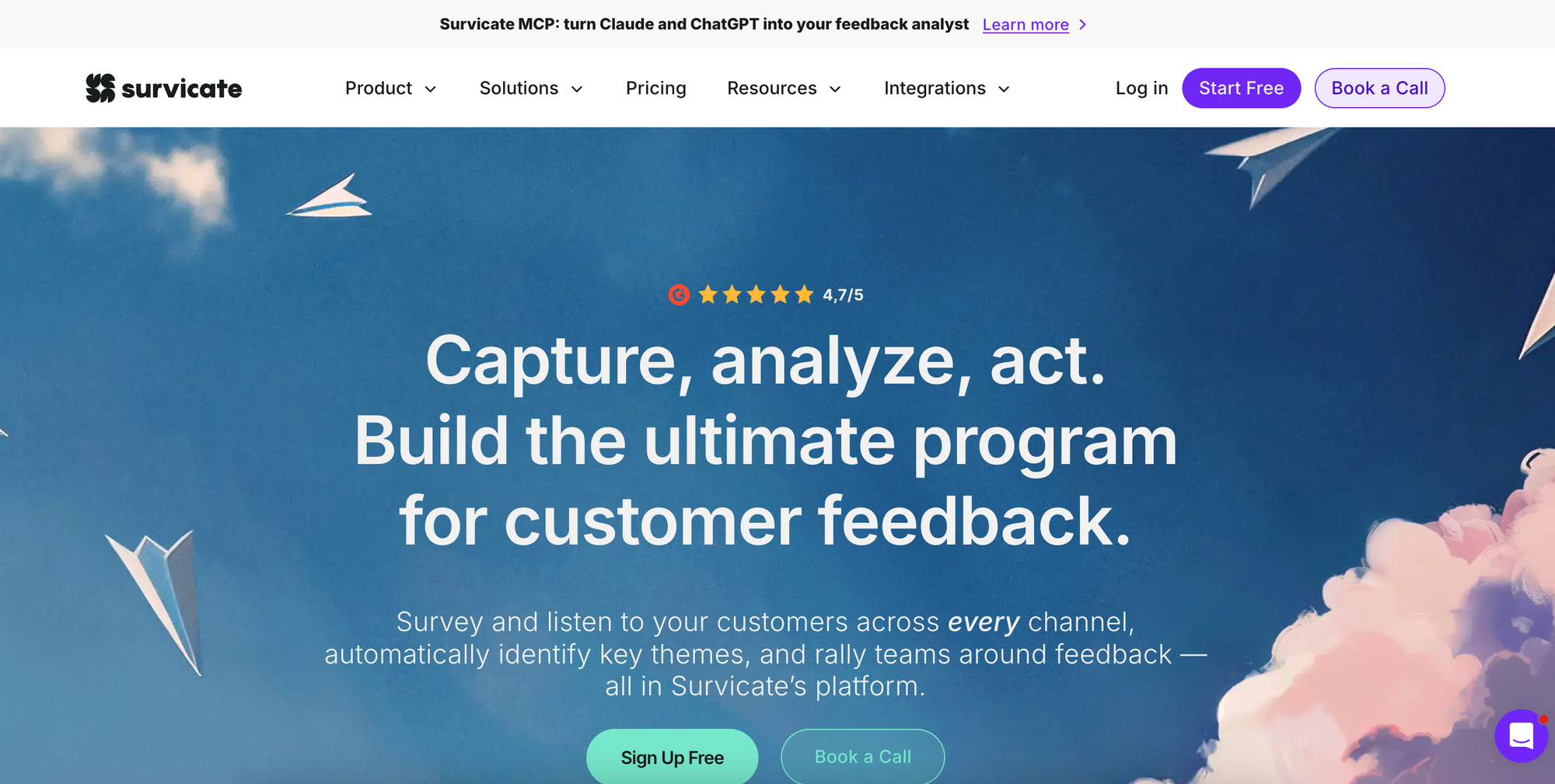
Survicate is a customer feedback platform focused on collecting and analyzing survey responses across different channels. It helps teams measure satisfaction, understand customer needs, and gather feedback throughout the customer journey.
What it's good at: Survicate supports NPS, CSAT, and CES surveys delivered through websites, apps, emails, and shareable links. You can target surveys based on user attributes or events, automate feedback collection, and connect results with CRM and other business tools. Its Research Hub and AI features also help teams analyze responses and identify recurring themes.
Where it falls short: Survicate focuses on surveys and feedback analysis rather than public feature voting, roadmaps, or changelogs. Pricing depends on response and data allowances, so ongoing surveys with high participation can become more expensive. Some advanced customization, survey logic, and integrations require higher plans.
Pricing: Starter starts at £69/month with 100 survey responses and 500 data points per month. Growth starts at £89/month billed annually, with 250 responses and 1,000 data points per month. Pro and Enterprise offer higher limits and custom allowances. A free trial is available, but there is no permanent free plan.
Choose Survicate if: You want to collect NPS, CSAT, and other customer feedback through multiple channels, then analyze the results in one place.
Website feedback and behavioral analytics
These tools help you understand how customers actually use your website or product. Instead of relying only on what users tell you, you can watch session recordings, analyze clicks, and identify where people get stuck or abandon a task.
7. Contentsquare (formerly Hotjar)
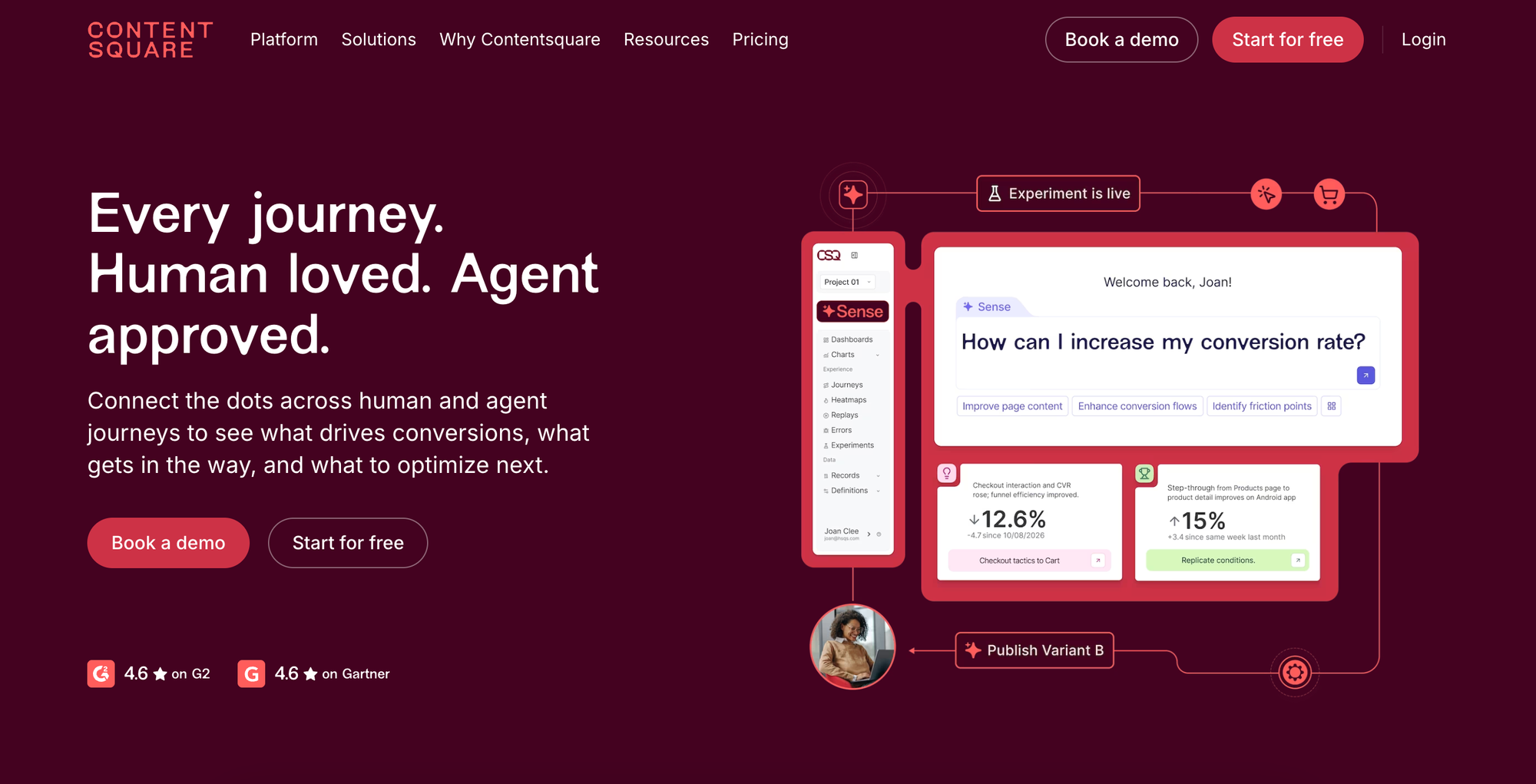
Contentsquare is a digital experience analytics platform that helps teams understand user behavior through heatmaps, session recordings, journey analysis, and surveys. It now includes Hotjar's tools for collecting direct feedback alongside behavioral analytics.
What it's good at: Contentsquare combines visual analytics with customer feedback. You can see where users click, scroll, or abandon a page, then use surveys to understand why. It also offers funnel analysis, error monitoring, and AI-powered summaries to help identify usability issues and opportunities to improve conversions. Its free plan is generous, making it accessible to smaller teams.
Where it falls short: Contentsquare focuses on understanding and improving digital experiences rather than managing feature requests or product roadmaps. Its more advanced journey analysis, AI capabilities, and longer data retention require paid plans. Costs also depend on session volume and the products you choose.
Pricing: Free plan with 200,000 monthly sessions, heatmaps, session replay, funnels, and basic surveys. Experience Analytics Growth starts at $39/month billed annually, with advanced journey analysis and AI features. Pro and Enterprise plans use custom pricing.
Choose Contentsquare if: You want to understand how visitors interact with your website, identify friction, and improve conversions using behavioral data and direct feedback.
8. Fullstory
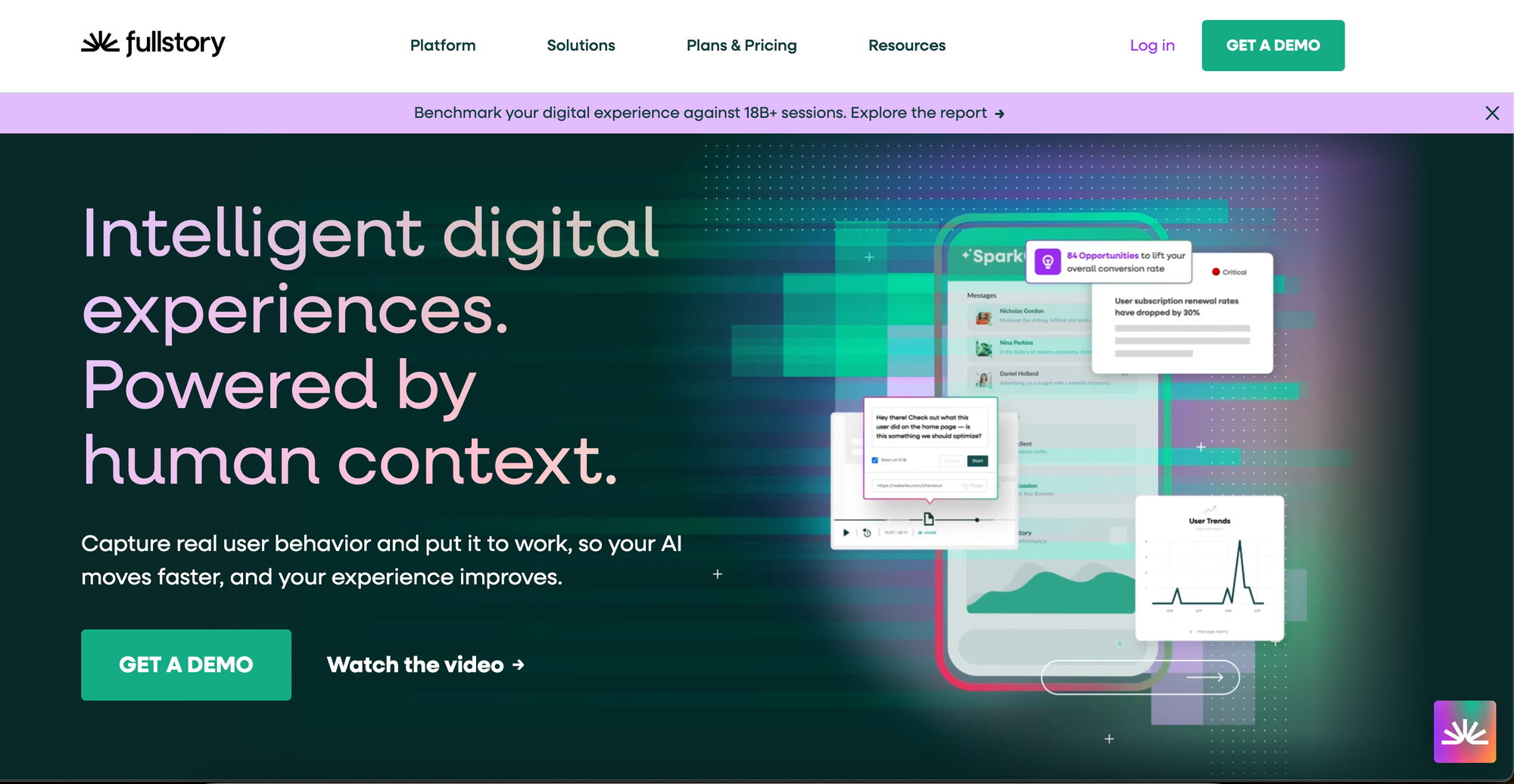
Fullstory is a behavioral analytics platform that captures how users interact with websites and applications. It combines session replay, heatmaps, product analytics, and AI-powered insights to help teams investigate usability problems and understand customer journeys.
What it's good at: Fullstory automatically captures user interactions, making it easier to investigate problems without manually tracking every event. Its session replays, conversion funnels, and frustration signals help teams identify rage clicks, dead clicks, errors, and unexpected user behavior. You can also segment users, analyze journeys, and use AI to surface insights from large volumes of behavioral data.
Where it falls short: Fullstory is primarily designed for behavioral analysis, not collecting and managing feature requests. While it offers surveys and in-app guidance, these are paid add-ons rather than the platform's main focus. Advanced analytics and AI capabilities require paid plans, and pricing is not publicly listed.
Pricing: Free plan with 30,000 monthly sessions, up to 10 users, and 12 months of analytics retention. Business, Advanced, and Enterprise plans use custom pricing. Mobile analytics, Guides and Surveys, and some AI capabilities are available as add-ons.
Choose Fullstory if: You want detailed insight into how users navigate your product, where they encounter problems, and what causes them to abandon important workflows.
Bug reporting and visual feedback
Bug reporting tools help customers report problems with screenshots, recordings, and technical details. Instead of going back and forth to reproduce an issue, developers get the context they need to investigate and fix it.
9. Userback
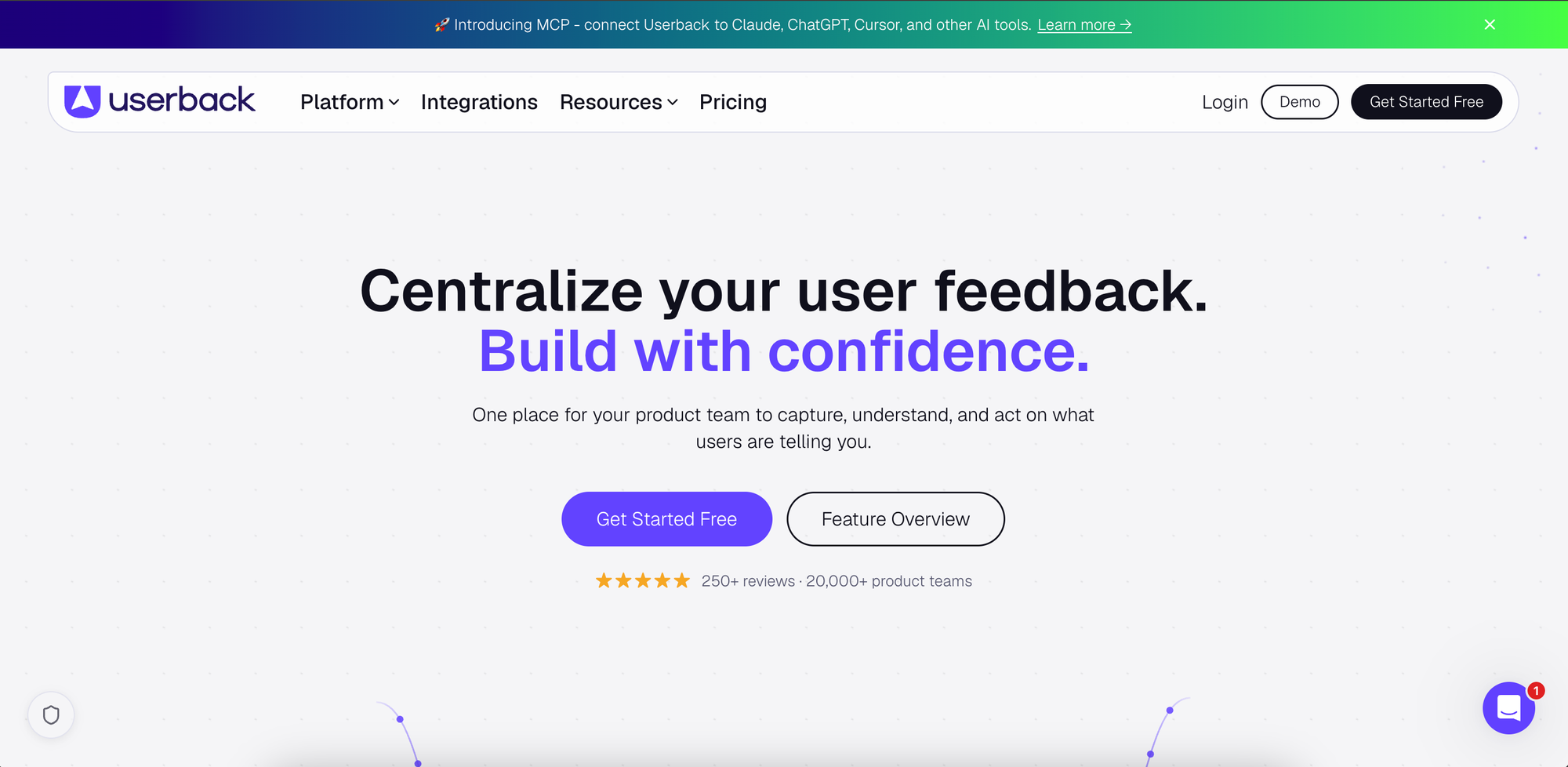
Userback is a visual feedback and bug reporting platform for websites and applications. It lets users report issues with annotated screenshots and screen recordings, while giving teams tools to organize feedback, track bugs, and manage feature requests.
What it's good at: Userback makes it easy to capture bugs with visual context, including browser and device information. Higher plans add session replays, console logs, network requests, and AI-powered feedback analysis. It also integrates with development tools like Jira, Linear, and ClickUp, with two-way syncing to help teams track reported issues.
Beyond bug reporting, Userback supports surveys and a feature portal where customers can submit ideas, vote, and follow progress. That makes it useful for teams that want several feedback collection methods in one platform.
Where it falls short: Some of its most useful debugging capabilities, including session replay and console logs, require the Business plan. Its feature portal is also a paid add-on rather than part of the standard subscription. The free plan only keeps feedback accessible for seven days.
Pricing: Free plan with 2 seats and 2 projects. Team starts at $29/month with 5 seats, Business at $79/month with unlimited seats, and Business Plus at $159/month, all billed annually. The feature portal costs an additional $31/month with annual billing.
Choose Userback if: You want visual bug reporting with technical context, developer integrations, and options to collect other types of product feedback.
10. Marker.io
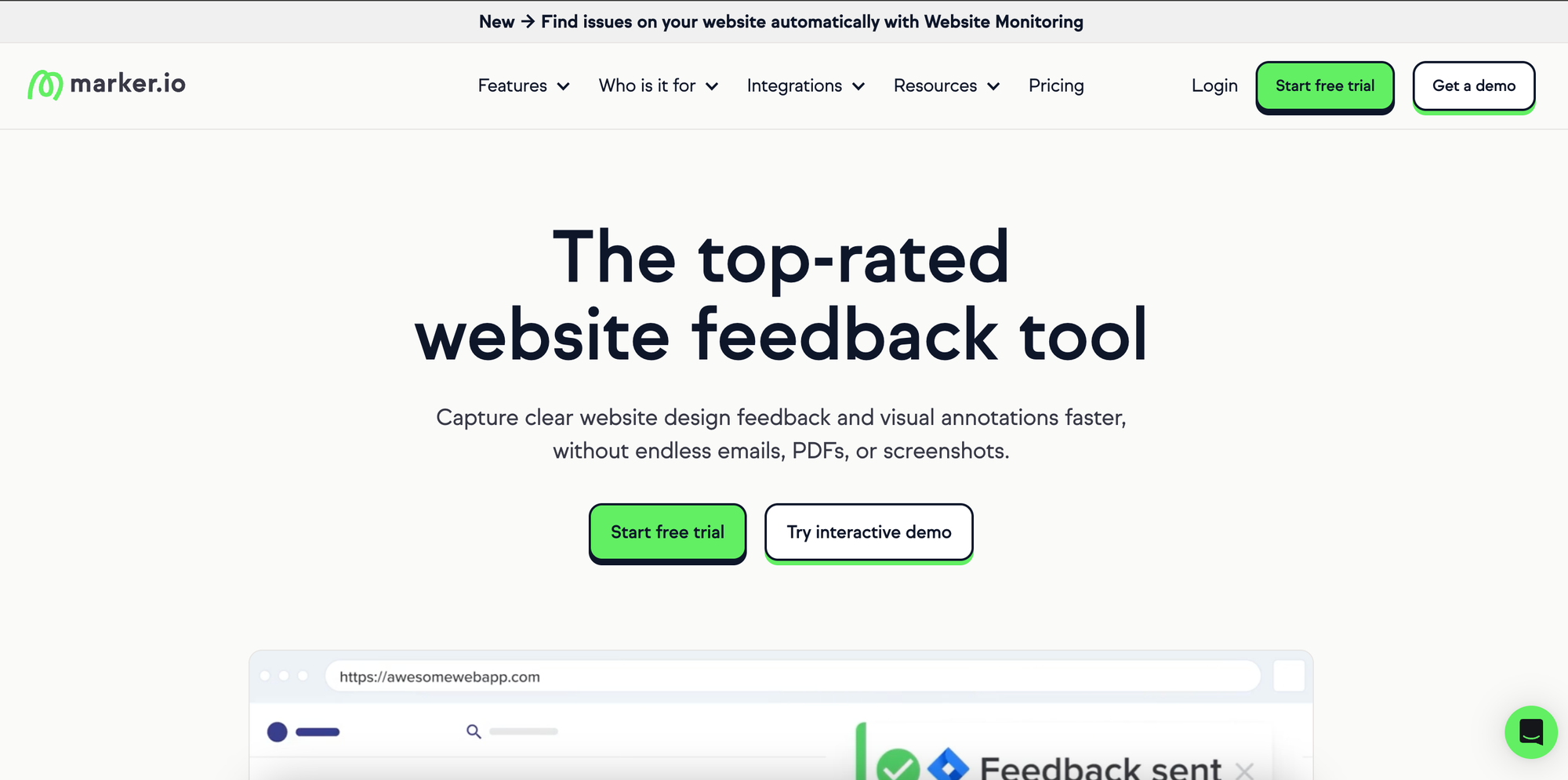
Marker.io is a visual bug reporting and website feedback tool designed for developers, QA teams, and agencies. It helps users report issues directly from a website, with screenshots, annotations, and technical details attached.
What it's good at: Marker.io captures browser information, operating system details, and other context alongside each report. Its Team plan adds session replay, console logs, and network requests, giving developers more information to reproduce bugs. It also integrates with Jira, GitHub, Linear, ClickUp, and other project management tools, allowing teams to turn feedback into actionable issues.
It's particularly useful for website testing, client reviews, and user acceptance testing. Customers and external stakeholders can submit reports without needing a paid account.
Where it falls short: Marker.io focuses primarily on website feedback, QA, and issue tracking. It isn't designed for customer satisfaction surveys, public feature voting, or product roadmaps. Session replay and advanced integrations also require the more expensive Team plan, and plans have limits on users, projects, and monthly pageviews.
Pricing: Starter costs $39/month with 3 users, while Team costs $149/month with 15 users, both billed annually. Business offers custom pricing. All plans include unlimited feedback submissions, and a 15-day free trial is available.
Choose Marker.io if: You need a straightforward way to collect visual bug reports, reproduce website issues, and send them to your development team's existing tools.
User research and usability testing
User research tools help you understand how people interact with your product and whether new designs solve their problems. You can test prototypes, observe users completing tasks, and collect feedback before investing in development.
11. Maze
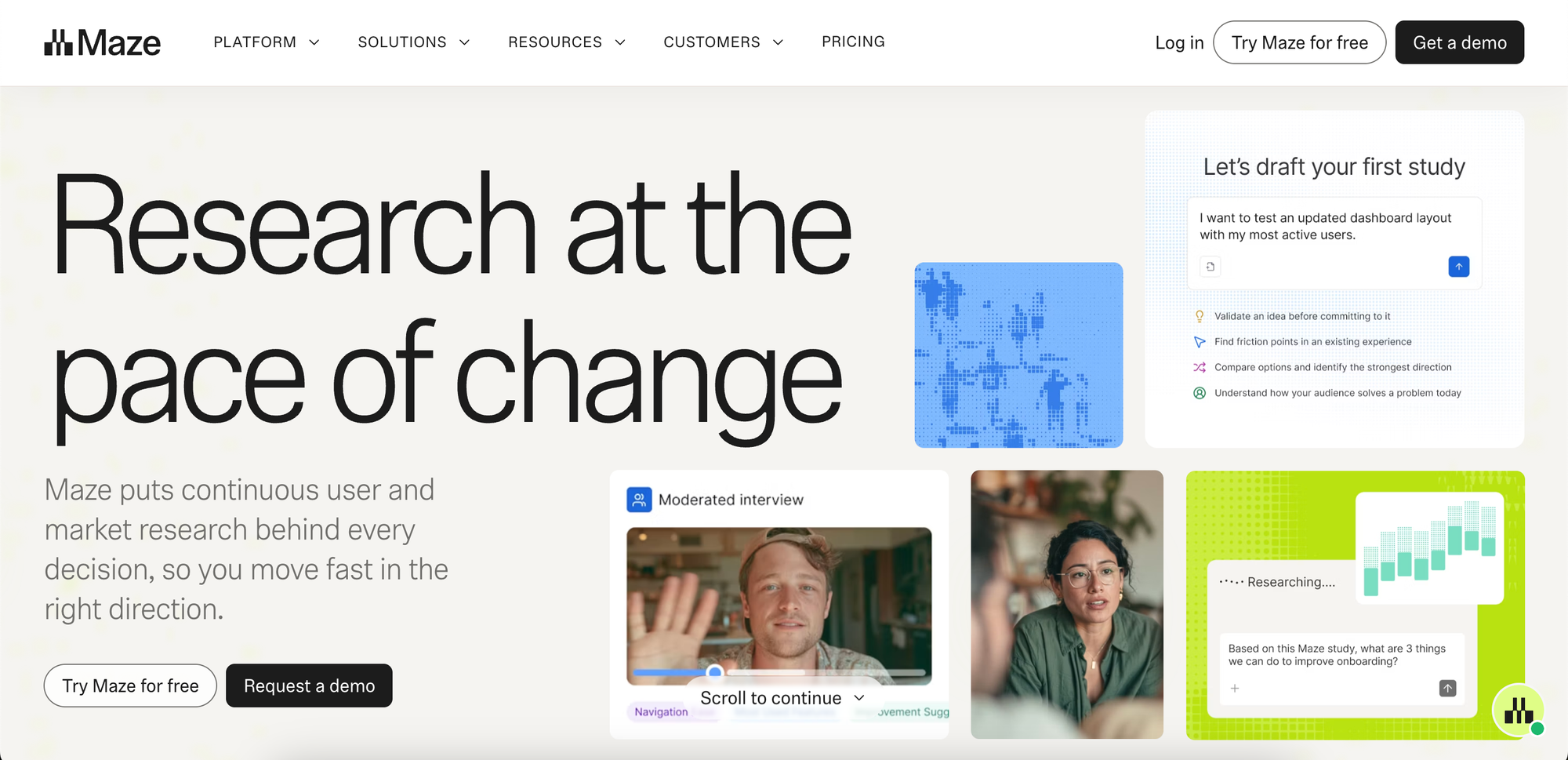
Maze is a user research and usability testing platform that helps product teams validate ideas, test designs, and understand user behavior. It supports prototype testing, live website testing, surveys, and moderated and unmoderated research.
What it's good at: Maze makes it easy to test designs with real users before development. You can import Figma prototypes, set up tasks, and measure completion rates, misclicks, and time spent on each task. It also supports card sorting, tree testing, and surveys to help improve navigation and validate product decisions.
Maze offers participant recruitment through its research panel, along with recordings and shareable reports. Enterprise features include moderated interviews, AI-powered research assistance, and advanced analysis.
Where it falls short: Maze is designed for structured research studies rather than ongoing feature request collection, voting, or public roadmaps. The Free and Starter plans are limited to one study per month and five seats, which can be restrictive for teams conducting frequent research. Advanced research methods and AI features also require Enterprise.
Pricing: Free plan with 1 study per month and 5 seats. Starter costs $99/month with the same study and seat limits, plus unmoderated research tools, templates, and recordings. Enterprise offers custom study limits, unlimited seats, and advanced research capabilities at custom pricing. Recruiting participants through Maze's panel may incur additional costs.
Choose Maze if: You want to test prototypes, evaluate usability, and validate product decisions with structured user research.
Enterprise feedback analytics
Enterprise feedback analytics tools help larger teams make sense of customer feedback from multiple sources. They bring together surveys, support conversations, reviews, and other customer interactions, using AI to identify common issues, emerging trends, and opportunities for improvement.
12. Enterpret
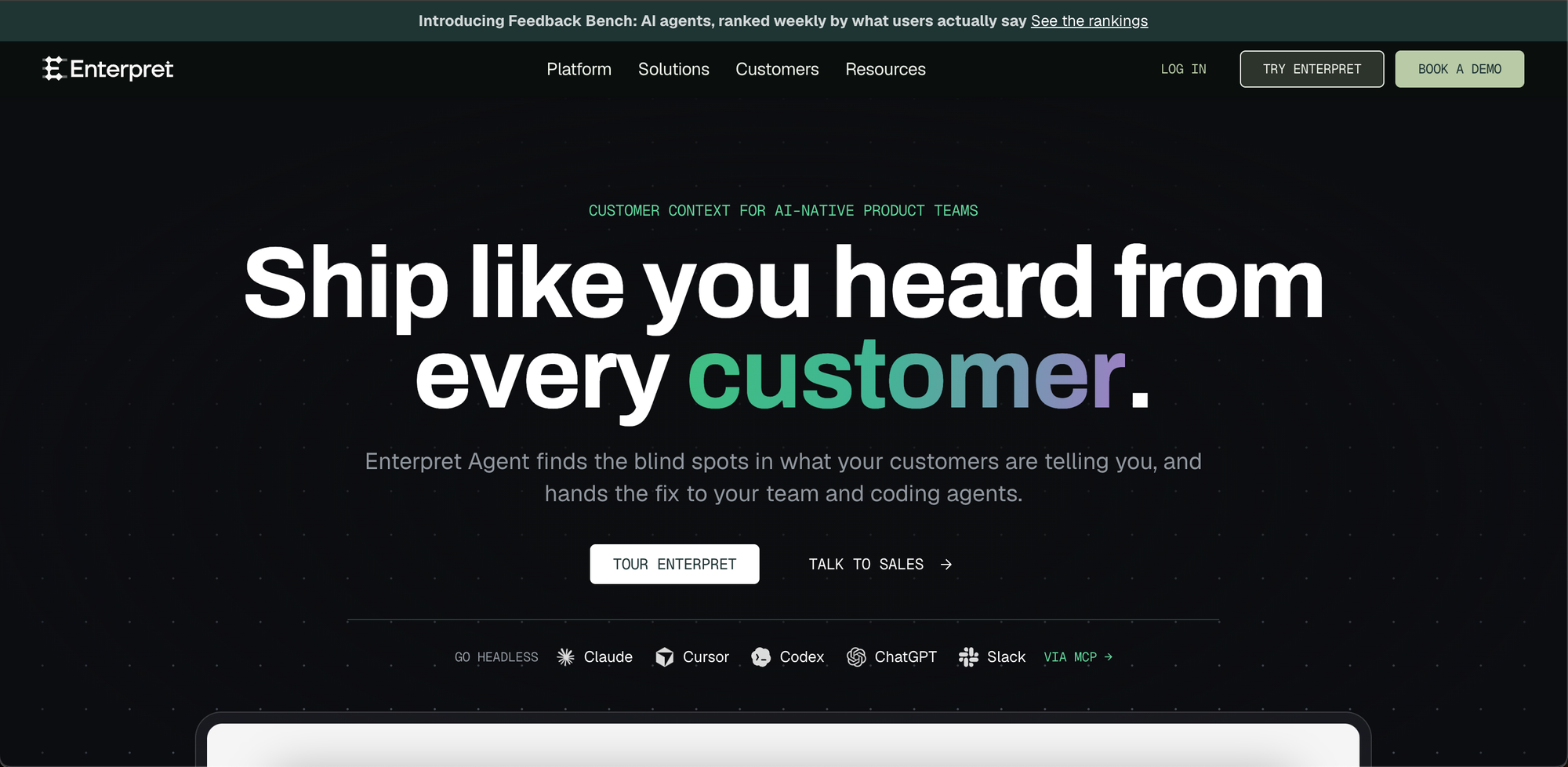
Enterpret is an AI-powered customer intelligence platform that brings together feedback from support tickets, surveys, app reviews, sales calls, and other sources. It helps product teams find patterns in customer conversations and understand which issues or requests matter most.
What it's good at: Enterpret connects with over 50 feedback sources, including Intercom, Zendesk, Slack, and app stores. Its AI automatically categorizes feedback using a taxonomy that adapts as your product evolves, reducing the need for manual tagging.
You can search feedback using natural language, identify recurring complaints and feature requests, and connect those insights to customer segments, accounts, and revenue. Integrations with Jira and Linear also help teams turn findings into actionable work.
Where it falls short: Enterpret focuses on analyzing feedback collected through other channels rather than providing a public feedback board where customers submit and vote on ideas. Its advanced analytics may be unnecessary for smaller teams with relatively little feedback to process. Pricing also depends on feedback volume and requires a sales conversation.
Pricing: Custom pricing based on feedback volume. Contact sales for a quote.
Choose Enterpret if: You collect large amounts of customer feedback across different platforms and want AI to help identify trends, prioritize issues, and understand their business impact.
13. Qualtrics
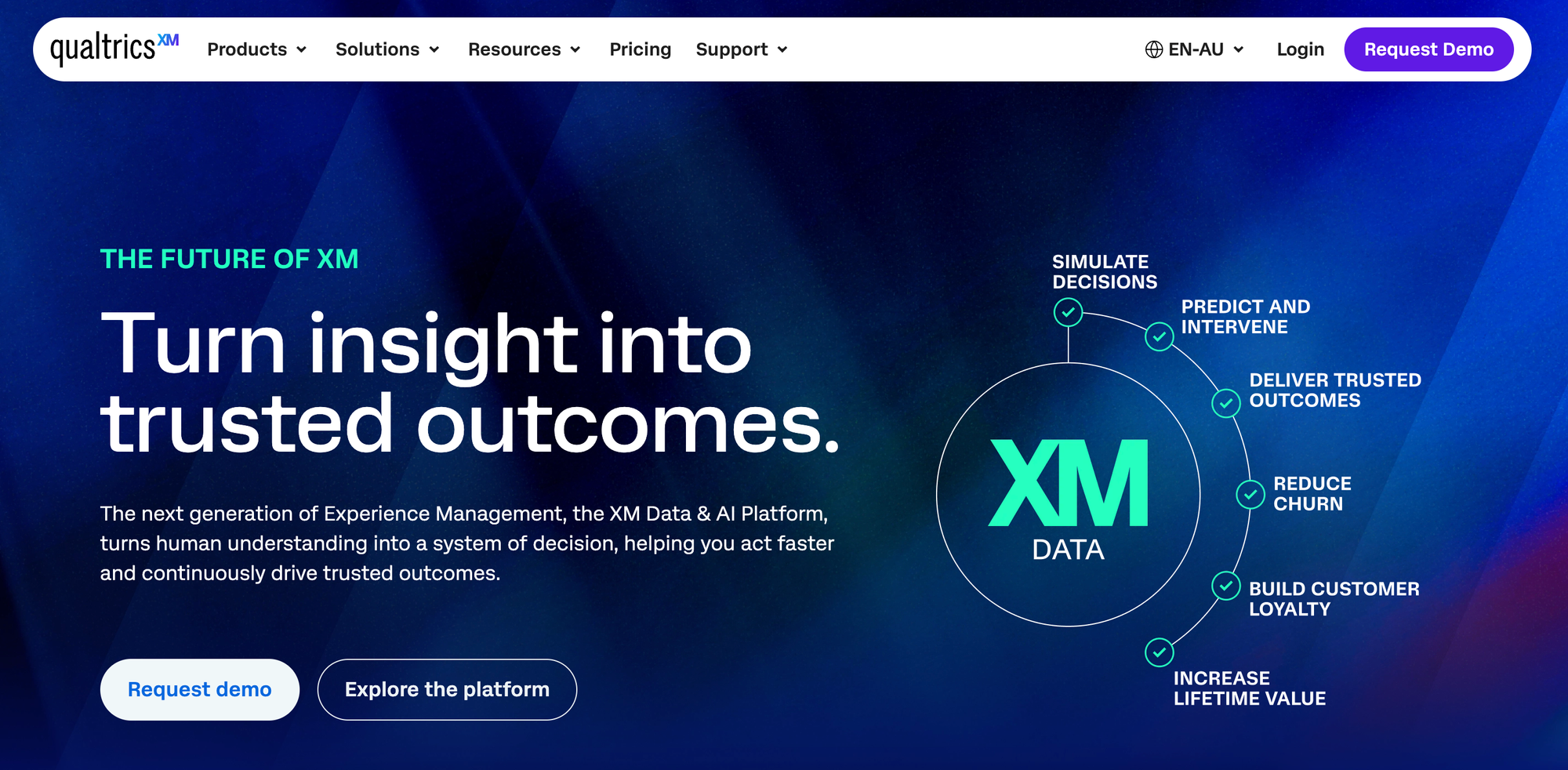
Qualtrics is an enterprise experience management platform for collecting and analyzing feedback across the customer journey. It combines surveys, digital experience analytics, customer interactions, and AI-powered insights to help organizations understand and improve customer satisfaction.
What it's good at: Qualtrics collects feedback across websites, apps, contact centers, surveys, social media, and online reviews. Its text and sentiment analytics help identify recurring problems, understand satisfaction drivers, and detect customers at risk of leaving.
The platform also offers customer journey analysis, automated follow-ups, and dashboards for sharing insights across teams. Its Experience Agents can help automate responses and resolve certain customer issues based on feedback signals.
Where it falls short: Qualtrics is designed for comprehensive customer experience programs, not simply collecting feature requests or sharing product roadmaps. Its extensive analytics, integrations, and enterprise workflows can add complexity for smaller product teams. Pricing is customized around the products and usage requirements, making it difficult to estimate costs without a quote.
Pricing: Custom pricing based on the selected products and planned usage. Contact sales for a quote.
Choose Qualtrics if: You need an enterprise-wide customer experience platform that combines feedback collection, advanced analytics, and automated follow-up across multiple channels.
Other ways to collect customer feedback
Not all customer feedback comes through dedicated feedback tools. Some of the most useful insights come from conversations and platforms your customers already use.
Customer support conversations: Support tickets, live chats, and emails often reveal recurring problems and feature requests. Tools like Intercom and Zendesk help teams manage these conversations, while feedback management tools can help organize the ideas that emerge.
Online reviews: Reviews on G2, Capterra, Trustpilot, and Google can reveal what customers like, what frustrates them, and why they choose one product over another. They're particularly useful for identifying recurring complaints and understanding how customers perceive your product.
Social listening: Customers also share opinions on Reddit, LinkedIn, and other social platforms. Social listening tools like Brandwatch and Sprout Social help businesses track these discussions, identify emerging issues, and understand customer sentiment.
These sources work best alongside a more structured feedback process. For example, when customers repeatedly request the same feature through support or reviews, you can add it to a Nolt feedback board, let others vote on it, and keep customers updated as you work on it.
How to choose the right customer feedback tool
The right customer feedback tool depends on what you're trying to learn and how you plan to use the results. Here are a few things to consider before choosing one.
Start with the type of feedback you need
If you want customers to suggest features, vote on ideas, and follow your product's progress, a feedback board like Nolt is a good fit. If you're measuring customer satisfaction or validating a specific idea, surveys may be more useful.
Behavioral analytics tools help you understand where users struggle without asking them directly. Bug reporting tools capture technical issues, while usability testing tools let you evaluate designs before launch.
You may need more than one type of tool. A survey can tell you that customers are unhappy, for example, while session recordings can help you understand why.
Think about what happens after collecting feedback
Collecting feedback is only useful if your team can act on it. Look for ways to organize responses, identify recurring requests, prioritize improvements, and assign work.
It's also worth considering how you'll close the feedback loop. Can customers see what's planned or in progress? Will they know when their requests have been addressed?
Tools like Nolt connect feedback boards with roadmaps and changelogs, so you can collect ideas, manage their progress, and announce updates without moving between separate platforms.
Check integrations and collaboration features
Consider how the tool fits into your existing workflow. Integrations with issue trackers, project management platforms, and communication tools can help your team act on feedback without manually copying information.
Also look at how customers submit feedback. Public boards, embedded widgets, in-app surveys, and shareable forms can reduce friction and make it easier for people to participate.
Compare pricing as you grow
Customer feedback tools use different pricing models. Some charge per team member, while others charge based on survey responses, tracked users, recorded sessions, or feedback volume.
Consider what happens as more customers participate or your team expands. A flat-rate plan with unlimited users may be more predictable for ongoing product feedback, while usage-based pricing might make sense for occasional surveys or research studies.
The best choice isn't necessarily the tool with the most features. It's the one that helps you collect the right feedback, turn it into improvements, and keep customers informed without adding unnecessary complexity.
Frequently asked questions
What are the best customer feedback tools in 2026?
The best customer feedback tools depend on what you want to learn. Nolt, Canny, and Featurebase are useful for collecting and managing feature requests. SurveyMonkey and Survicate focus on customer surveys, while Contentsquare and Fullstory help teams understand user behavior. For bug reporting, consider Userback or Marker.io. Maze is better suited to usability testing, while Enterpret and Qualtrics offer advanced feedback analytics.
What is the best customer feedback tool for SaaS companies?
For SaaS companies collecting feature requests and product ideas, Nolt is a strong choice. It combines feedback boards, voting, roadmaps, and changelogs, so teams can manage requests from submission to release. It also supports private boards, embedded feedback widgets, custom workflows, and developer integrations.
Nolt starts at $29/month billed annually, with unlimited users, admins, and content. For companies that need more advanced customer segmentation or revenue-based prioritization, Canny and Productboard are alternatives worth considering.
How do you collect customer feedback for a SaaS product?
SaaS companies can collect customer feedback through in-app widgets, feedback boards, surveys, support conversations, user interviews, and analytics.
For ongoing product feedback, a public or private feedback board gives customers one place to submit ideas, vote on existing requests, and follow progress. Surveys are better for asking specific questions, while interviews and session recordings help explain why users struggle with particular workflows.
Using multiple methods can provide a more complete picture of customer needs.
What is the difference between customer feedback tools and survey tools?
Customer feedback tools cover a broad range of software for collecting and understanding customer opinions, requests, and problems. They include feedback boards, surveys, bug reporting tools, behavioral analytics, and customer research platforms.
Survey tools are one category within that broader group. They're designed to ask structured questions and analyze responses, such as NPS or CSAT scores. Feedback boards, by contrast, support ongoing feature requests, voting, discussions, and product updates.
How do you manage and prioritize customer feedback?
Start by collecting feedback in one place, categorizing requests, and merging duplicates. Then evaluate suggestions based on customer demand, business impact, strategic relevance, and development effort.
Voting can help identify popular ideas, but the most requested feature isn't always the most valuable one. Tools like Nolt let teams combine votes with customer segmentation, custom fields, and internal notes to understand which requests matter most to different customer groups.
Sharing a roadmap and notifying customers when features are completed also helps close the feedback loop.
How much does customer feedback software cost?
Customer feedback software ranges from free plans to custom enterprise subscriptions. Prices depend on the type of tool and its billing model.
Survey platforms may charge based on responses, behavioral analytics tools by recorded sessions, and product feedback platforms by team seats or tracked users. Nolt uses flat-rate pricing, starting at $29/month billed annually, with unlimited users, admins, and content.
Compare usage limits and upgrade costs, not just starting prices, especially if you expect your customer base or team to grow.